
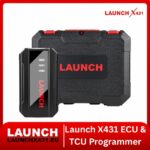
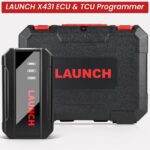

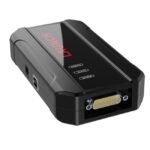


Launch X431 ECU & TCU Programmer – Standalone PC ECU/Transmission Read & Write, EEPROM/FLASH Backup, Data Cloning & IMMO-Off Programming Tool
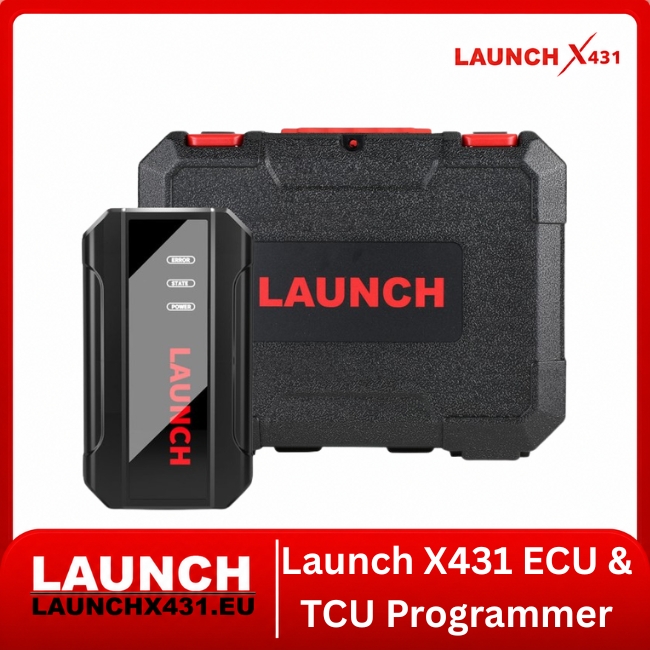
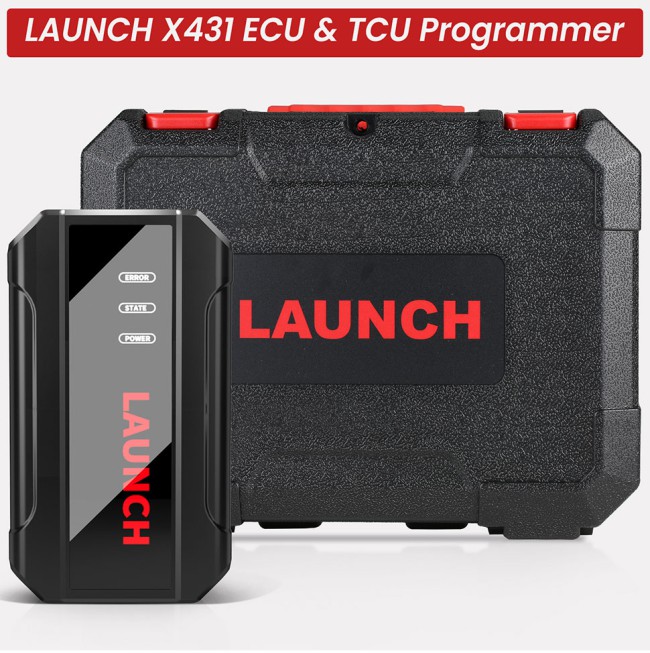
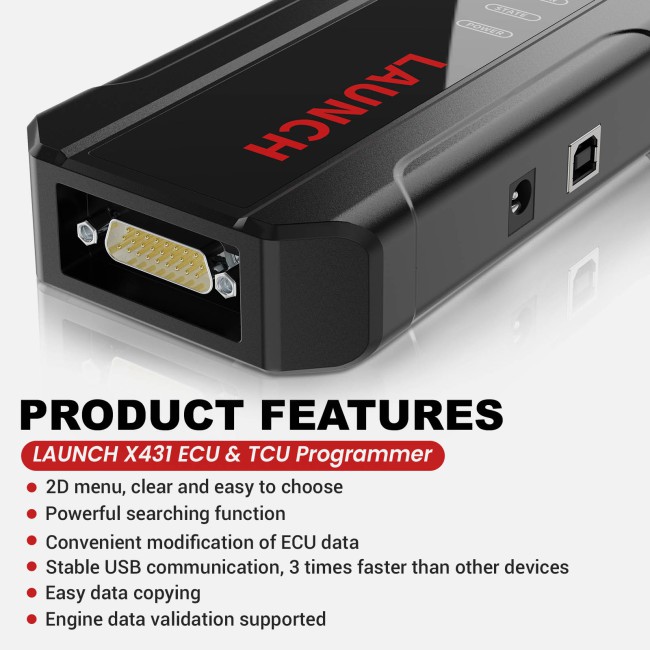
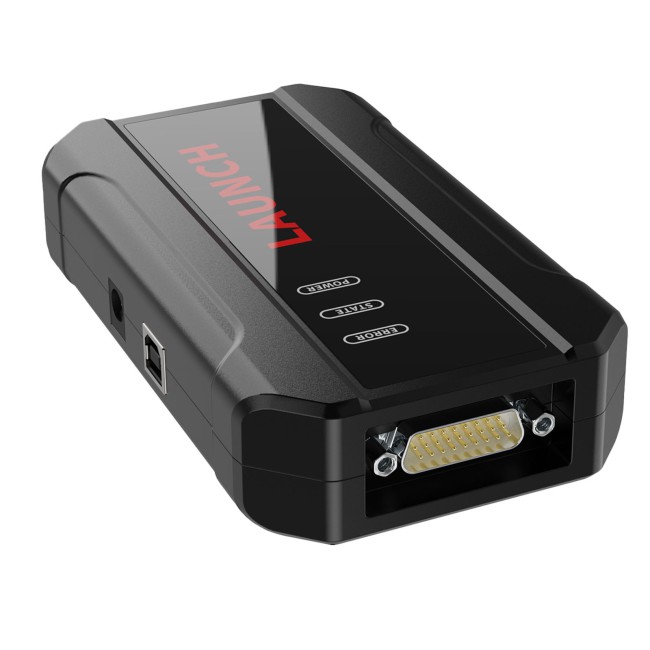
The Launch X431 ECU & TCU Programmer is a professional standalone programming device designed for direct ECU and TCU reading, writing, backup, restoration, cloning and BENCH programming through a Windows PC.
Unlike the X-PROG3 PC Adapter, this device is the main programming hardware and does not require X-PROG3 or an X431 diagnostic tablet for its standard PC workflow.
It is designed for ECU repair specialists, transmission workshops and automotive electronics technicians who regularly perform module replacement, cloning, EEPROM/FLASH operations and data processing.
⭐ Key Features
| ECU / TCU Programming | PC Workflow | Workshop Functions |
|---|---|---|
| ECU Read / Write | Windows PC Operation | BENCH Programming |
| TCU Read / Write | USB Communication | ECU / TCU Cloning* |
| EEPROM Backup / Restore | ECU Search | Data Processing |
| FLASH Backup / Restore | Bosch Number Search | File Verification |
| Chip ID Reading | File Management | Replacement Preparation |
| Module Data Backup | Connection Diagrams | Gearbox Adapter Expansion |
*Supported modules only.
⚙️ ECU & TCU Programming Functions
| Read & Backup | Write & Restore | Replacement & Cloning |
|---|---|---|
| ECU Identification | EEPROM Write* | ECU Cloning* |
| TCU Identification | FLASH Write* | TCU Cloning* |
| Chip ID Reading | EEPROM Restore* | Replacement Preparation |
| EEPROM Reading | FLASH Restore* | Data Transfer* |
| FLASH Reading | Backup Restoration | Module Data Processing |
| Original Data Backup | File Verification | Supported Anti-Theft Data* |
*Exact support depends on ECU/TCU family and current Launch software.
💻 Standalone Windows PC Workflow
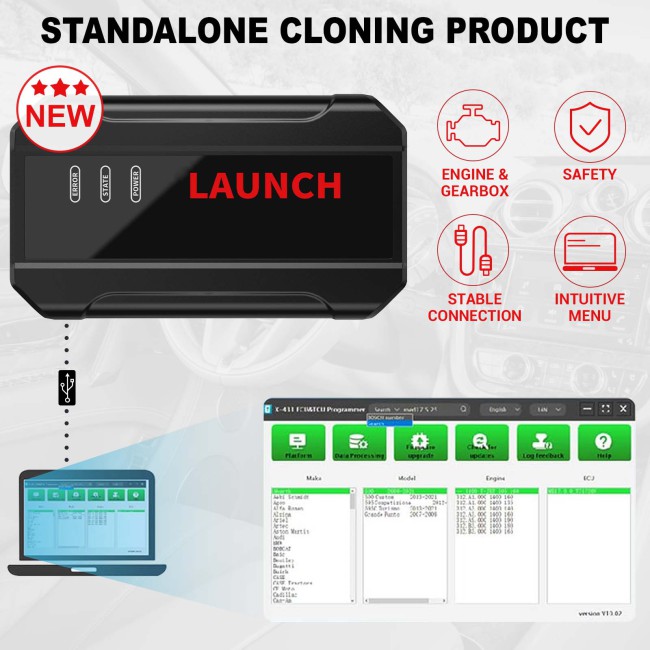
The programmer connects directly between the computer and supported control unit:
Windows PC → X431 ECU & TCU Programmer → ECU / TCU
No X-PROG3 is required for the standard programming workflow.
The dedicated Launch PC software provides:
| Module Selection | Data Management | Programming Tools |
|---|---|---|
| Vehicle-Based Selection | Save ECU Files | Read / Write Controls |
| ECU Type Search | EEPROM Backups | Connection Information |
| Bosch Number Search | FLASH Backups | Data Processing |
| ECU / TCU Selection | File Restoration | File Verification |
| Structured Menu | Customer File Storage | Module Preparation |
🔌 BENCH Programming
The X431 ECU & TCU Programmer is designed for direct module work outside the vehicle.
Typical workflow:
Identify the ECU or TCU.
Select the correct module in Launch PC software.
Follow the displayed connection diagram.
Connect the BENCH cable or dedicated adapter.
Apply stable power.
Read Chip ID.
Back up EEPROM / FLASH data.
Perform the required supported Read / Write / Clone operation.
Verify the completed programming procedure.
Always follow the connection instructions for the exact control unit.
💾 EEPROM & FLASH Operations
| EEPROM | FLASH | Typical Applications |
|---|---|---|
| Read | Read | Original Module Backup |
| Save Backup | Save Backup | ECU Replacement |
| Write* | Write* | TCU Replacement |
| Restore* | Restore* | Cloning* |
| Vehicle-Specific Data | ECU / TCU Software | Recovery Procedures* |
| Configuration / Coding Data* | Calibration Data | Data Transfer* |
*Supported applications only.
Original data should always be backed up before supported writing or cloning operations.
🔄 ECU & TCU Cloning
A typical supported cloning procedure can include:
Read the original ECU / TCU Chip ID.
Back up EEPROM and FLASH data.
Save the original files to the PC.
Connect a compatible replacement module.
Verify the replacement hardware.
Write or restore supported original data.
Verify the programming result.
Not every ECU or TCU supports complete cloning. Replacement modules must be hardware/software compatible.
⚙️ Gearbox / TCU Support
The programmer supports selected transmission control units and can be expanded with dedicated Launch gearbox adapters.
| VAG / DSG | Mercedes / ZF | PowerShift / Additional |
|---|---|---|
| DQ200XX | VGS-NAG3 | MPS6 |
| DQ250 | VGS2-FDCT | DPS6 |
| DQ380 | VGS-FDCT | Additional Supported TCUs |
| VL381 | VGS3-NAG2 | TCU Cloning* |
| DL501 | ZF 8HP V1 / V2 / V3 | Replacement Preparation* |
| DL382 | 8HP Applications | Data Backup / Restore* |
Dedicated gearbox adapters are optional unless specifically included in a bundle.
🔎 ECU Search & File Management
| Search Functions | File Management | Workshop Benefit |
|---|---|---|
| Search by Vehicle | Save Original Files | Faster ECU Identification |
| Search by ECU Type | Organise Backups | Easier Job Management |
| Search by Bosch Number | Rename Files | Convenient Cloning Workflow |
| Module Selection | Customer / VIN Folders | Better File Organisation |
| Connection Information | Restore Backups | Reduced Data-Loss Risk |
The PC-based workflow is particularly useful for workshops processing multiple ECU/TCU jobs each day.
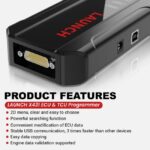
⚡ Fast USB Communication
The programmer uses direct USB communication with the Windows PC.
| PC Programming | Benefit | Typical Use |
|---|---|---|
| Direct USB Connection | Faster Data Transfer | EEPROM Reading |
| Desktop File Handling | Easier Backup Management | FLASH Reading |
| Dedicated PC Software | Stable Workflow | ECU Writing |
| Large File Storage | Better Organisation | TCU Programming |
| Advertised 3×+ Speed* | Reduced Waiting Time | Repeated Module Work |
*Launch advertises approximately 3×+ faster data communication compared with corresponding Android workflows. Actual speed depends on module and data size.
⚙️ Technical Specifications
| Product Information | Programming Functions | Requirements |
|---|---|---|
| Product: X431 ECU & TCU Programmer | ECU Read / Write: Supported* | Platform: Windows PC |
| Type: Standalone PC Programmer | TCU Read / Write: Supported* | Connection: USB |
| X-PROG3 Required: No | Chip ID: Supported | X431 Tablet Required: No |
| EEPROM: Read / Write* | FLASH: Read / Write* | PC Software: Required |
| ECU Cloning: Supported* | TCU Cloning: Supported* | Stable Power: Required |
| BENCH Mode: Supported* | Data Processing: Supported | Correct Cables: Required |
| File Verification: Supported | Anti-Theft Data Functions: Supported* | Gearbox Adapters: Optional |
| Standalone Hardware: Yes | Backup / Restore: Supported | Professional Use: Recommended |
*Supported applications only.
📦 Package Contents
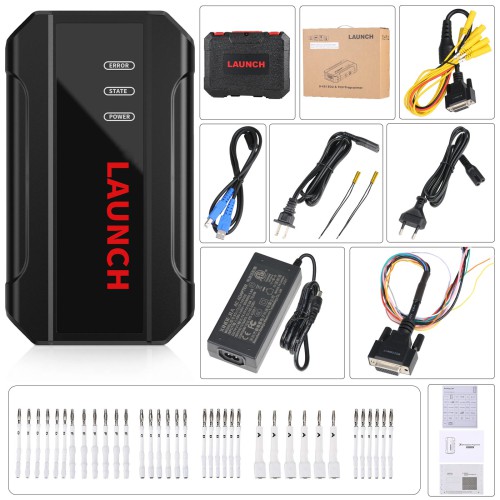
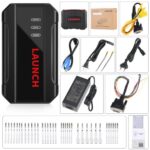
1 × Main Unit of ECU & TCU Programmer
1 × USB Cable – Type B
1 × MCU Cable V1
1 × Bench Mode Cable V2.0
2 × Bench Extension Cables
6 × Matching Adapters A
6 × Matching Adapters B
6 × Matching Adapters C
6 × Matching Adapters D
6 × Matching Adapters E
6 × Matching Adapters F
1 × Switching Power Adapter
1 × European Power Cord
1 × User Manual
1 × Packing List
1 × Password Envelope
1 × Carrying Case
Dedicated gearbox clone connectors are not included unless specifically sold as part of a bundle.
🆚 ECU & TCU Programmer vs X-PROG3 PC Adapter
| X431 ECU & TCU Programmer | X-PROG3 PC Adapter | Main Difference |
|---|---|---|
| Standalone Programming Box | PC Interface Only | Different Hardware Role |
| X-PROG3 Not Required | X-PROG3 Required | Major Difference |
| Direct ECU / TCU Connection | Works Through X-PROG3 | Different Setup |
| ECU / TCU Read & Write | Through X-PROG3 | Same Goal, Different Hardware |
| EEPROM / FLASH Operations | Through X-PROG3 | Programmer Is Self-Contained |
| ECU / TCU Cloning* | Supported via X-PROG3* | Different Architecture |
| Best for Dedicated PC Station | Best for Existing X-PROG3 Owners | Different User Type |
The X431 ECU & TCU Programmer is itself the programming hardware, while the X-PROG3 PC Adapter only connects an existing X-PROG3 to PC software.
🆚 ECU Programmer vs Diagnostic Scanner
| ECU & TCU Programmer | X431 Diagnostic Scanner | Main Purpose |
|---|---|---|
| ECU / TCU Read & Write | DTC Diagnostics | Programming vs Diagnostics |
| EEPROM / FLASH | Full-System Scan | Module vs Vehicle |
| ECU Cloning* | Live Data | Different Workflow |
| TCU Cloning* | Active Tests | Different Function |
| BENCH Programming | Service Functions | Module Programming |
| Data Processing | ECU Coding* | Complementary Tools |
| PC File Management | Vehicle Diagnostics | Different Platforms |
The ECU & TCU Programmer is a specialised programming tool, not a replacement for a full-system diagnostic scanner.
⚠️ Important Compatibility Information
Verify the exact ECU / TCU family and hardware/software number
Follow the Launch connection diagram exactly
Use the correct BENCH cable or gearbox adapter
Maintain stable power during Read / Write operations
Back up original EEPROM and FLASH data whenever possible
Keep original files safely stored
Never interrupt a programming operation
Verify replacement-module compatibility before cloning
Not every ECU or TCU supports full cloning
Vehicle-brand coverage does not guarantee support for every control unit
Anti-theft data functions should only be used for authorised repair procedures
Why Choose the Launch X431 ECU & TCU Programmer?
The Launch X431 ECU & TCU Programmer – Standalone PC Version provides a dedicated Windows-based solution for professional ECU and transmission-module programming.
Unlike the X-PROG3 PC Adapter, it requires no X-PROG3 and no X431 tablet for its standard workflow.
With Chip ID reading, EEPROM/FLASH backup and restoration, ECU/TCU Read / Write, BENCH programming, cloning, data processing and file verification, it provides the core functions required by ECU repair specialists and transmission electronics workshops.
For technicians who want a dedicated PC-based ECU/TCU programming and cloning workstation, the X431 ECU & TCU Programmer offers a compact and expandable solution within the Launch ecosystem.