Is Your Launch X431 Device Original?

🔍 How to Verify Authenticity and Avoid Counterfeits
Launch X431 diagnostic devices are among the most popular tools in the automotive repair industry.
However, because of their success and proven quality, the market has also seen a surge of counterfeit copies that may look identical to the original — but in reality, they are limited, unsupported, and potentially unsafe.
In this article, we’ll show you:
how to recognize a genuine Launch device,
why authenticity matters,
and how to verify your serial number online directly through our website.
✅ Why It’s Important That Your Launch Device Is Genuine
✔️ With an original Launch device, you get:
Full functionality, including online ECU coding and programming
Official software updates directly from Launch servers
Faster, more stable, and secure performance
Full support, warranty, and expandability (ADAS, TPMS, oscilloscope, and more)
❌ With a non-original (fake) device, you risk:
Missing or disabled functions
Outdated or locked software versions
Potential system errors or even vehicle damage
No warranty, no updates, and no technical support

📦 How to Recognize a Genuine Launch X431 Device
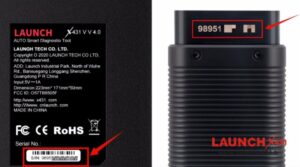
🔹 1. Serial Number (SN)
Every genuine Launch X431 device has a unique serial number (SN), which you can find in several places:
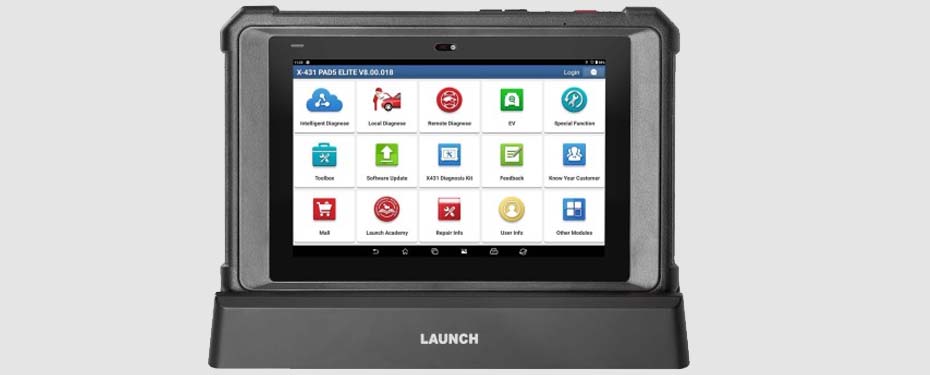
On the back of the Android tablet,
On the OBD2 connector (VCI module),
Inside the device menu under “About Device” or “O napravi.”
🔹 2. Security Code Card
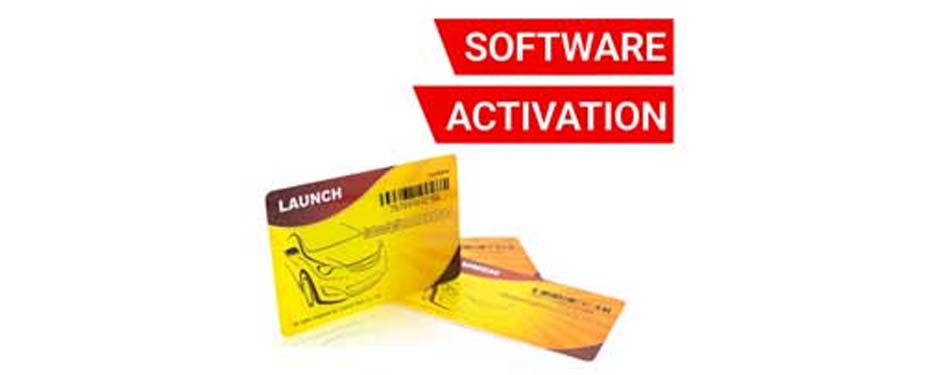
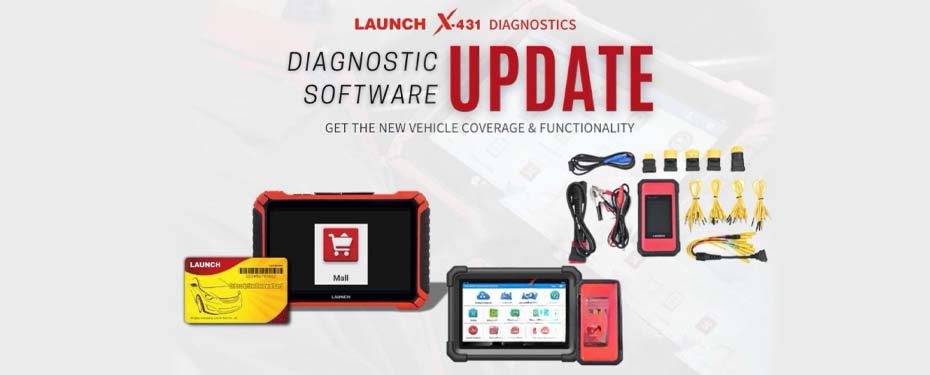
When you purchase an original Launch device, you also receive a Security Code Card.
This card includes a hidden code covered by a scratch layer — and it’s essential for authenticity verification.
🌐 How to Verify if Your Device Is Genuine
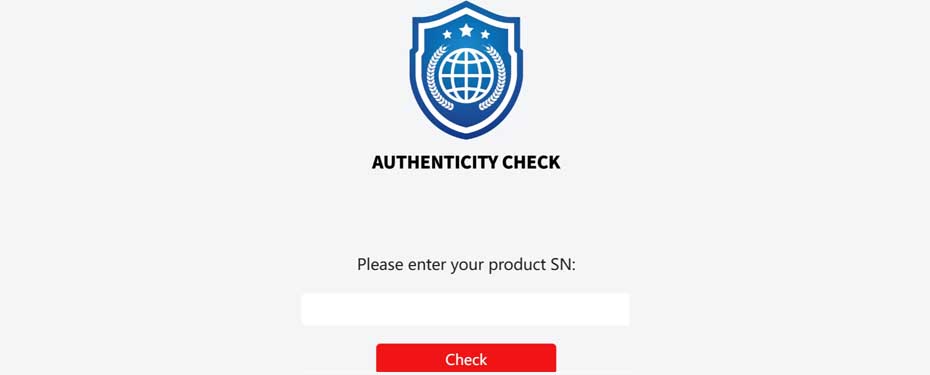
It’s very simple — just click the link below and visit the official Launch Europe authenticity verification page:
👉 Check the authenticity of your device
Once there:
Enter your serial number (SN)
Click “Check”
✅ In just a few seconds, you’ll find out whether your device is an original, fully supported Launch product or not.
⚠️ Warning: How to Spot a Fake Launch X431 Device
Be cautious if you notice any of the following signs:
Suspiciously low price (especially on foreign or unverified marketplaces)
Missing documentation or no security code card
Device cannot connect to the official Launch app
Displays a message such as “Device not registered” or “SN invalid”
Activation problems or no access to updates
If you’re unsure — it’s better to verify than to regret later.
When buying a diagnostic device, it’s essential to choose an authentic Launch product.
Launch X431 stands for premium diagnostic quality, but only the original device provides safety, full functionality, official support, and continuous updates.
➡️ Always verify your device and purchase only from authorized sellers.
👉 Check your device now: https://launch431.eu/check-launch-x431-serial-number/