LAUNCH X431 Key Programmer: How to Use It?

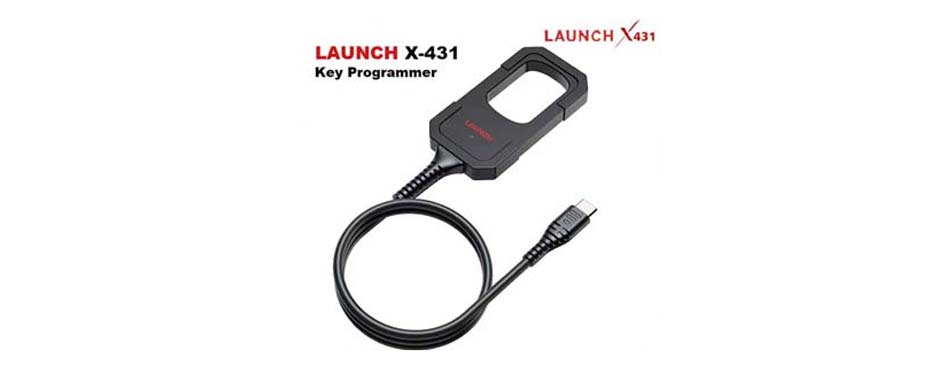
The LAUNCH X431 Key Programmer is commonly used for programming car keys and allows the generation of transponders or smart keys. In this article we will present its functions and usage procedure.
How to connect the LAUNCH X431 device to the X431 Key Programmer
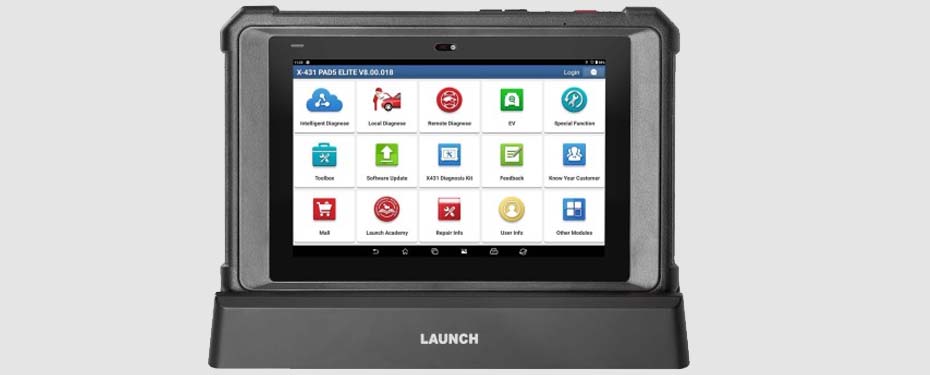
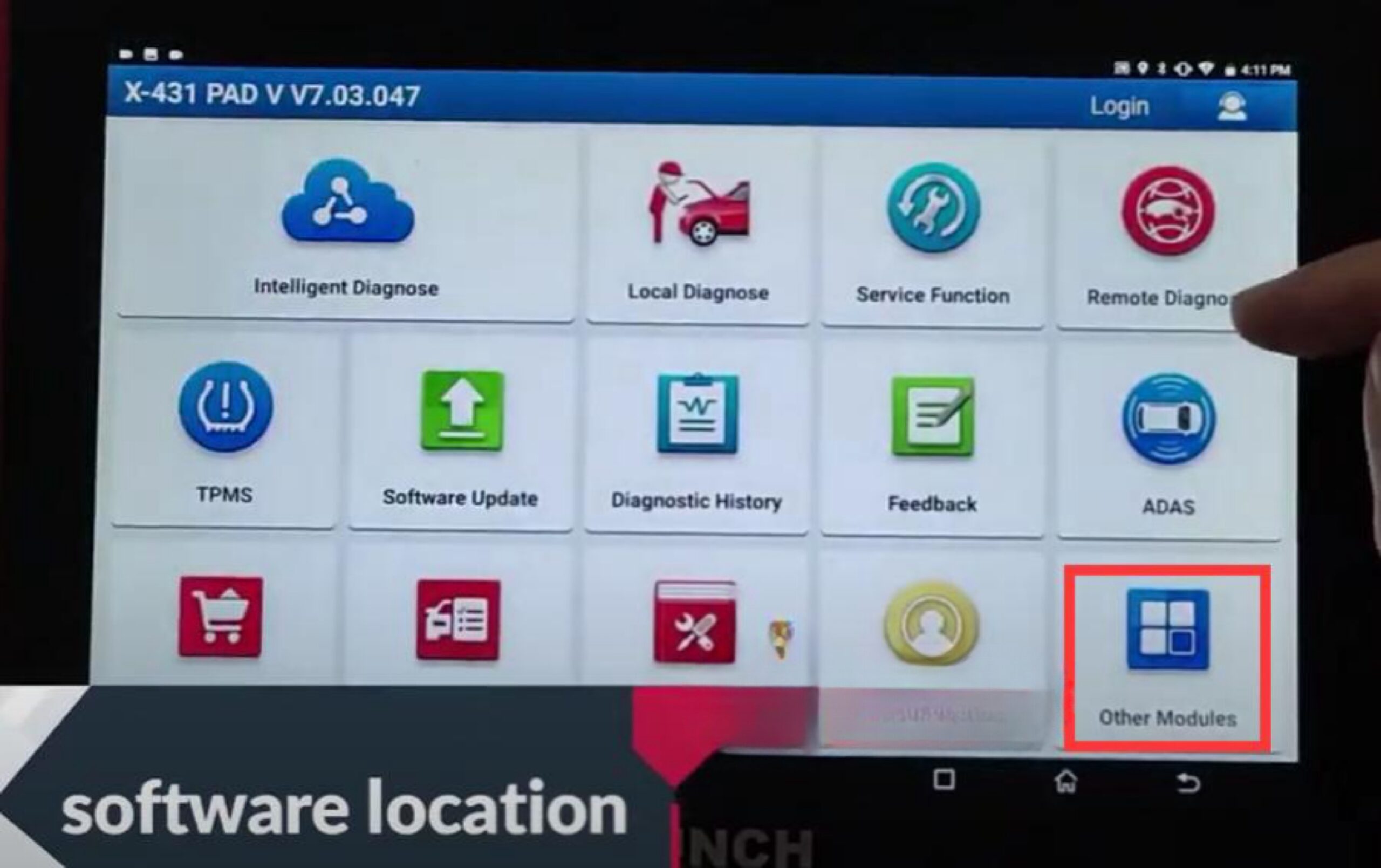
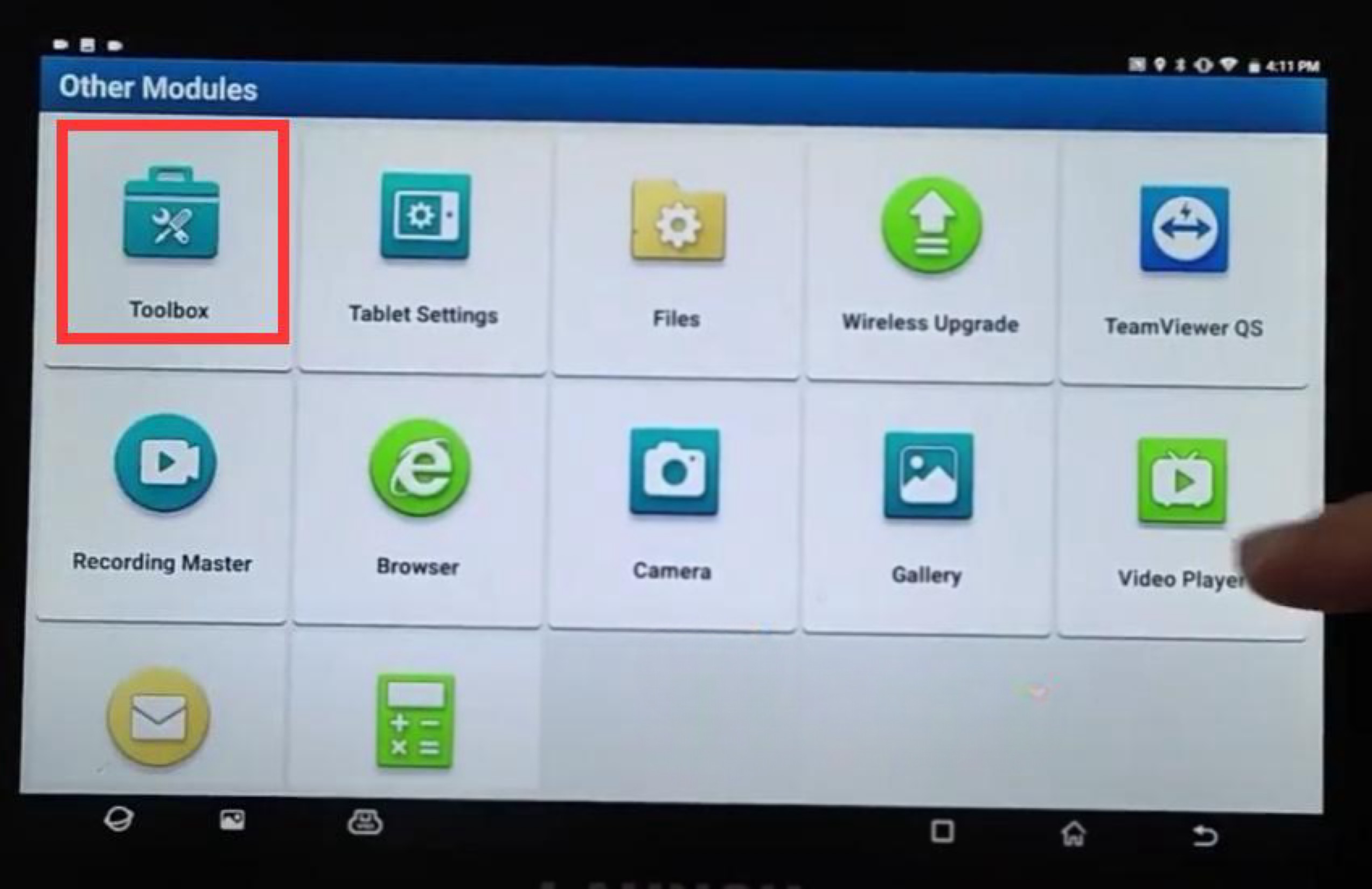
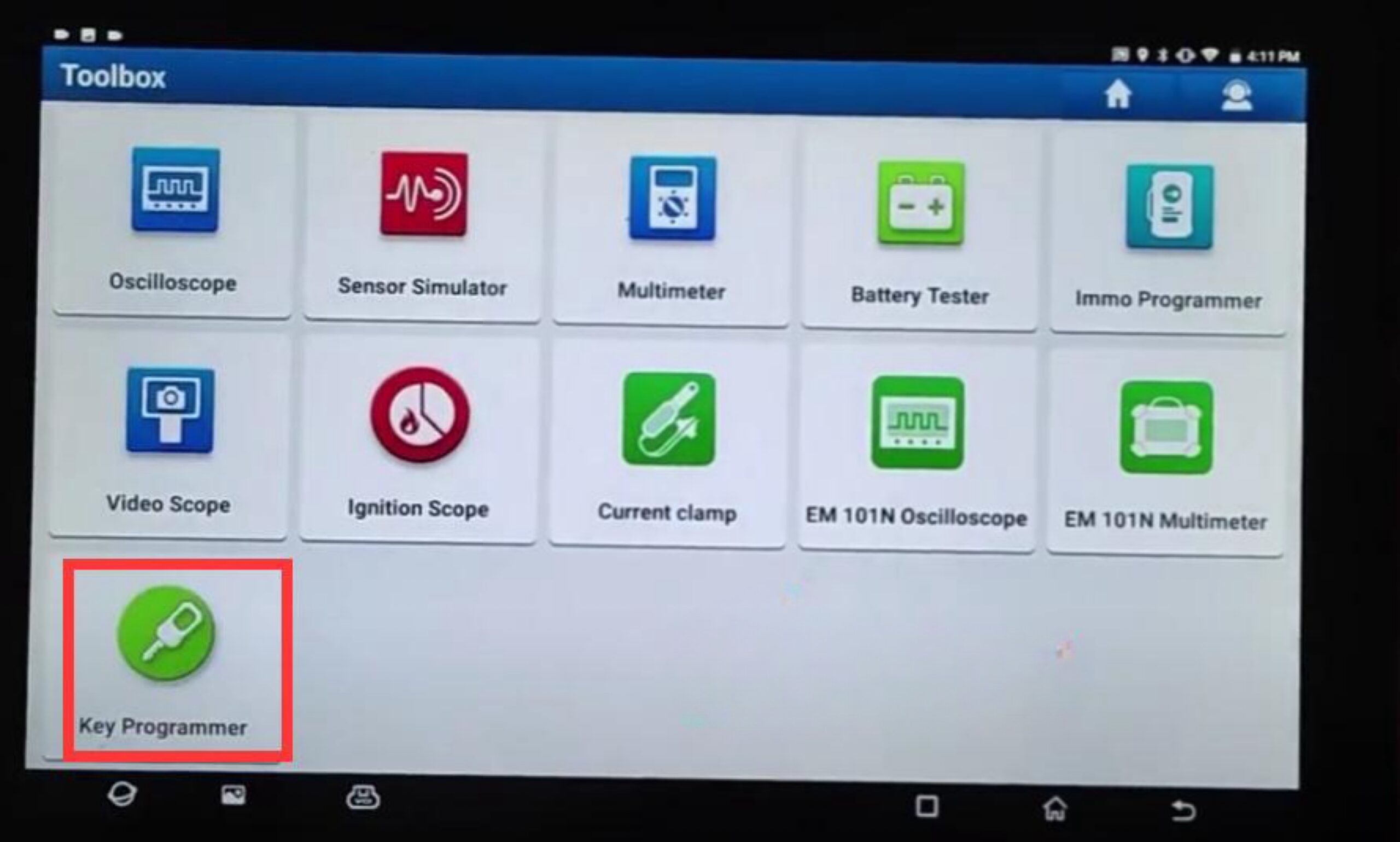
Using the X431 PAD V device as an example, open the X-431 APP and follow:
[Other modules] → [Toolbox] → [Key Programmer].
The X431 Key Programmer user interface will then appear.
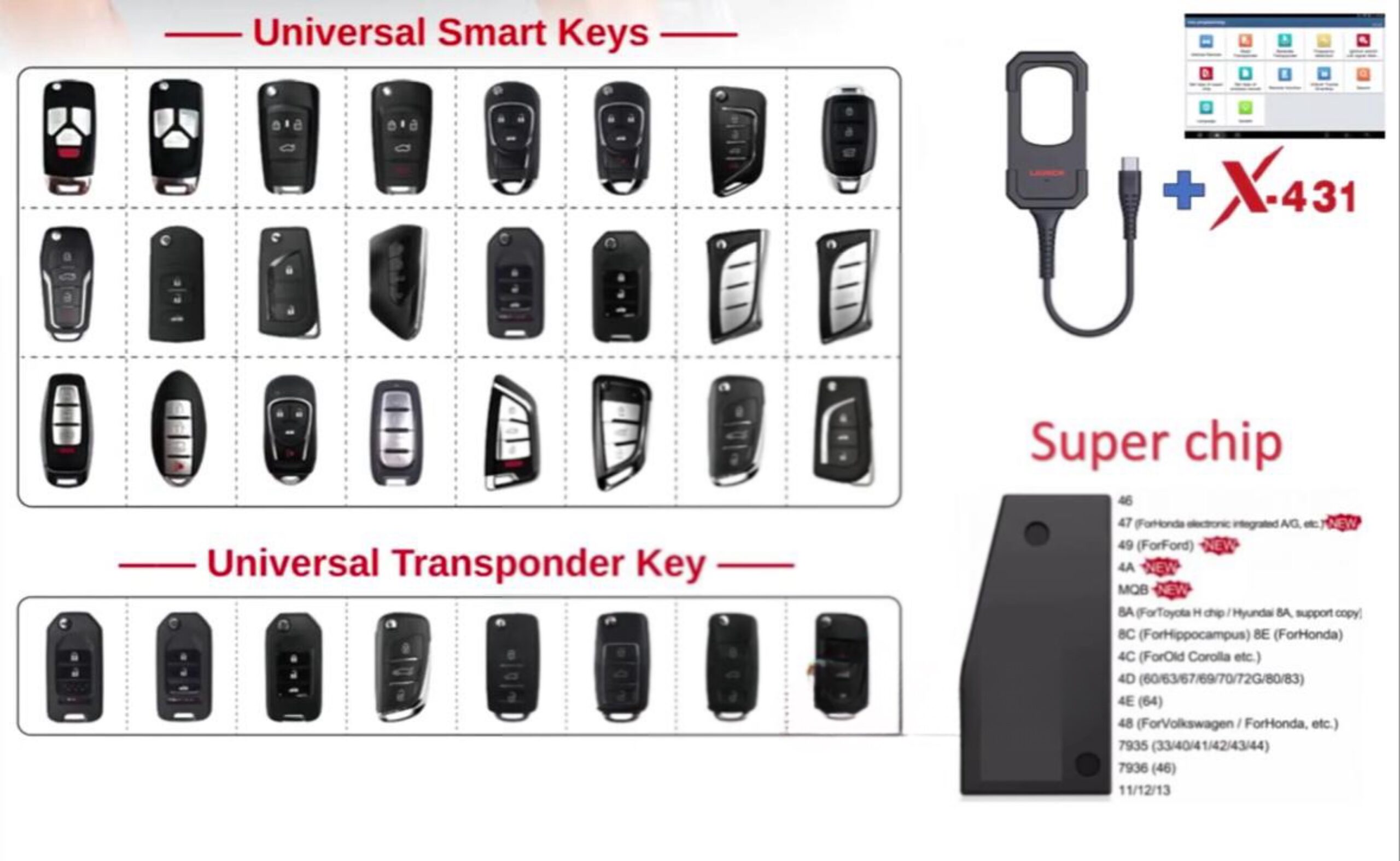
Functions of the LAUNCH X431 Key Programmer:
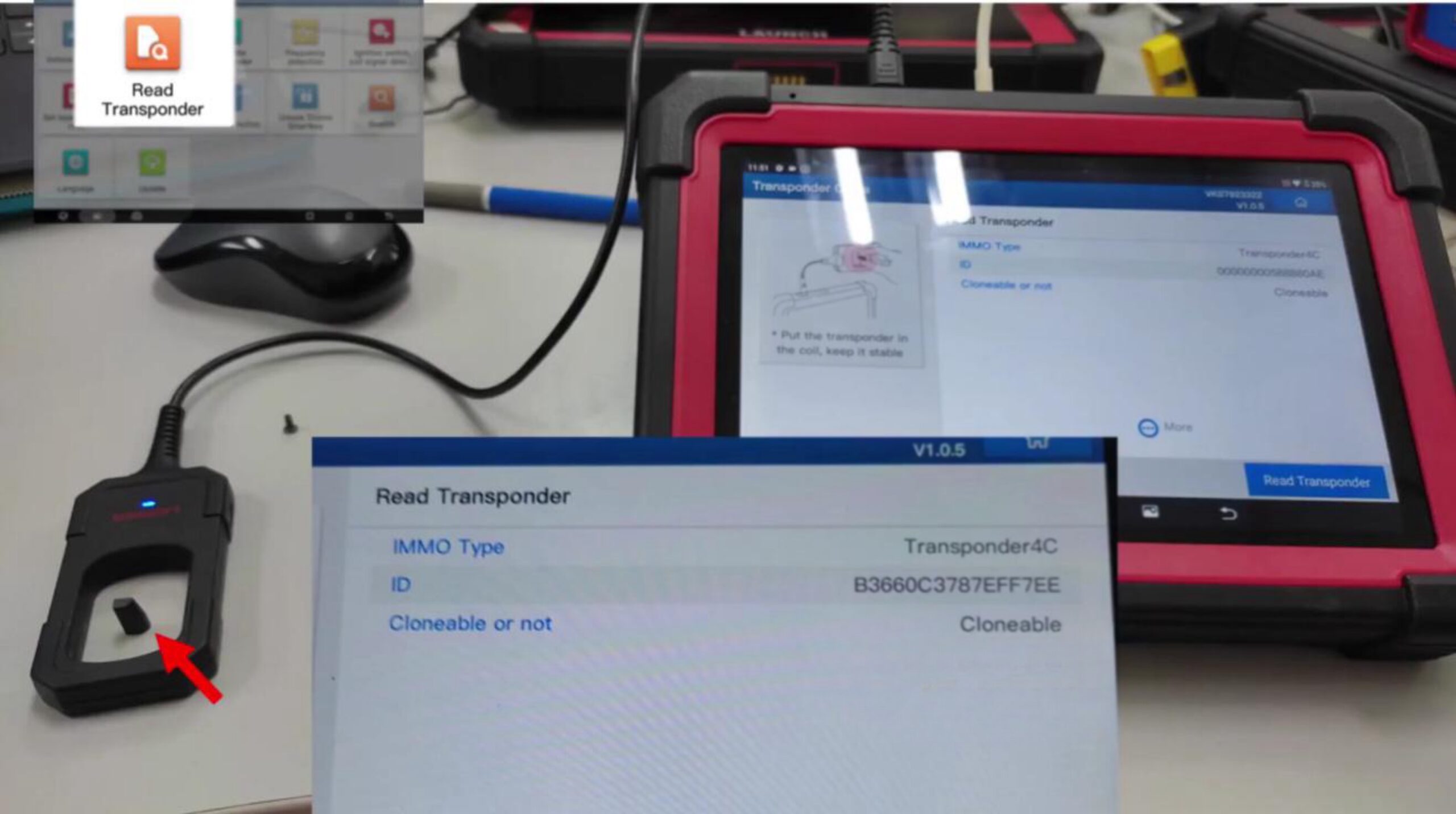
– Read transponder
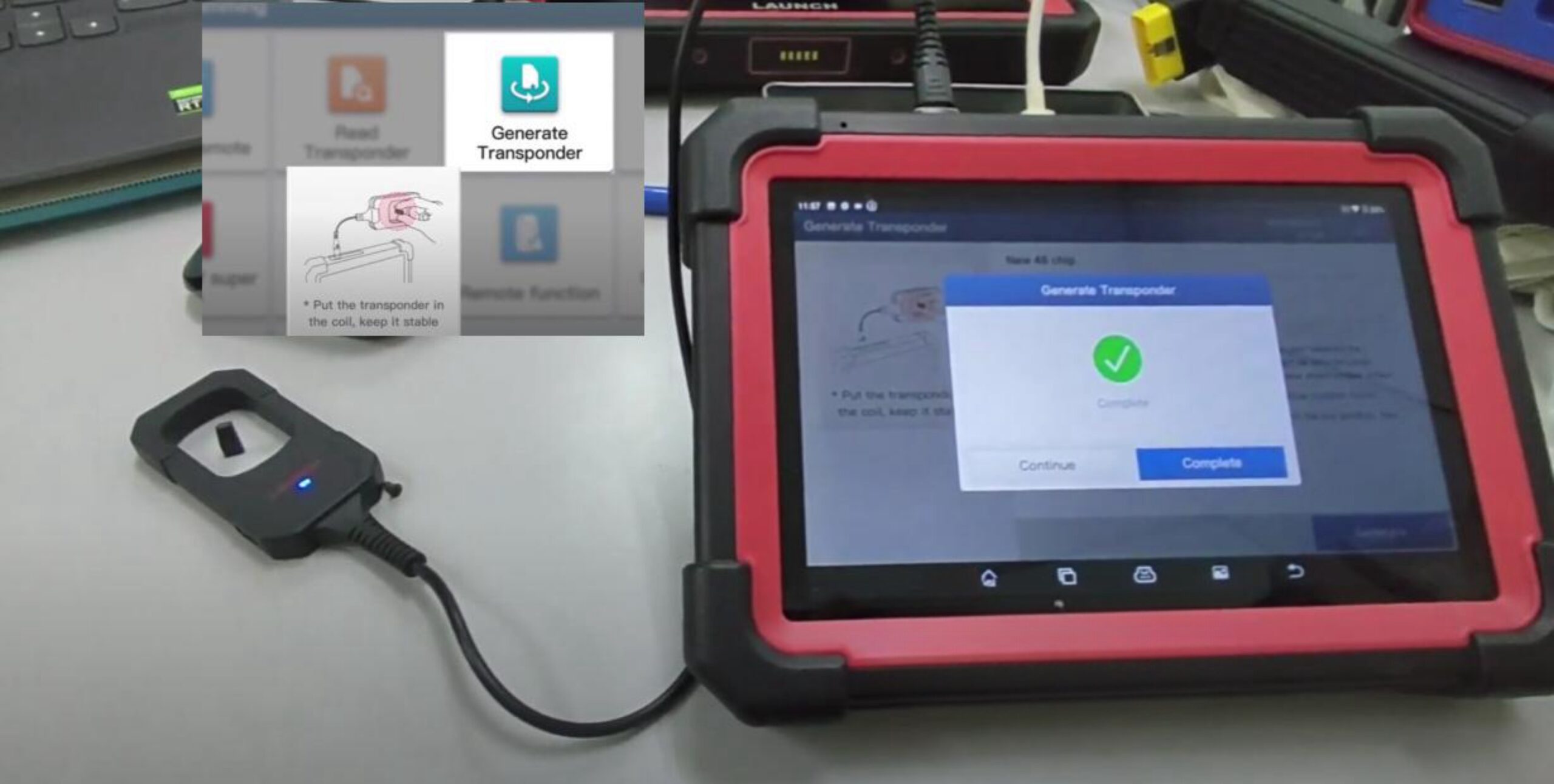
– Generate transponder
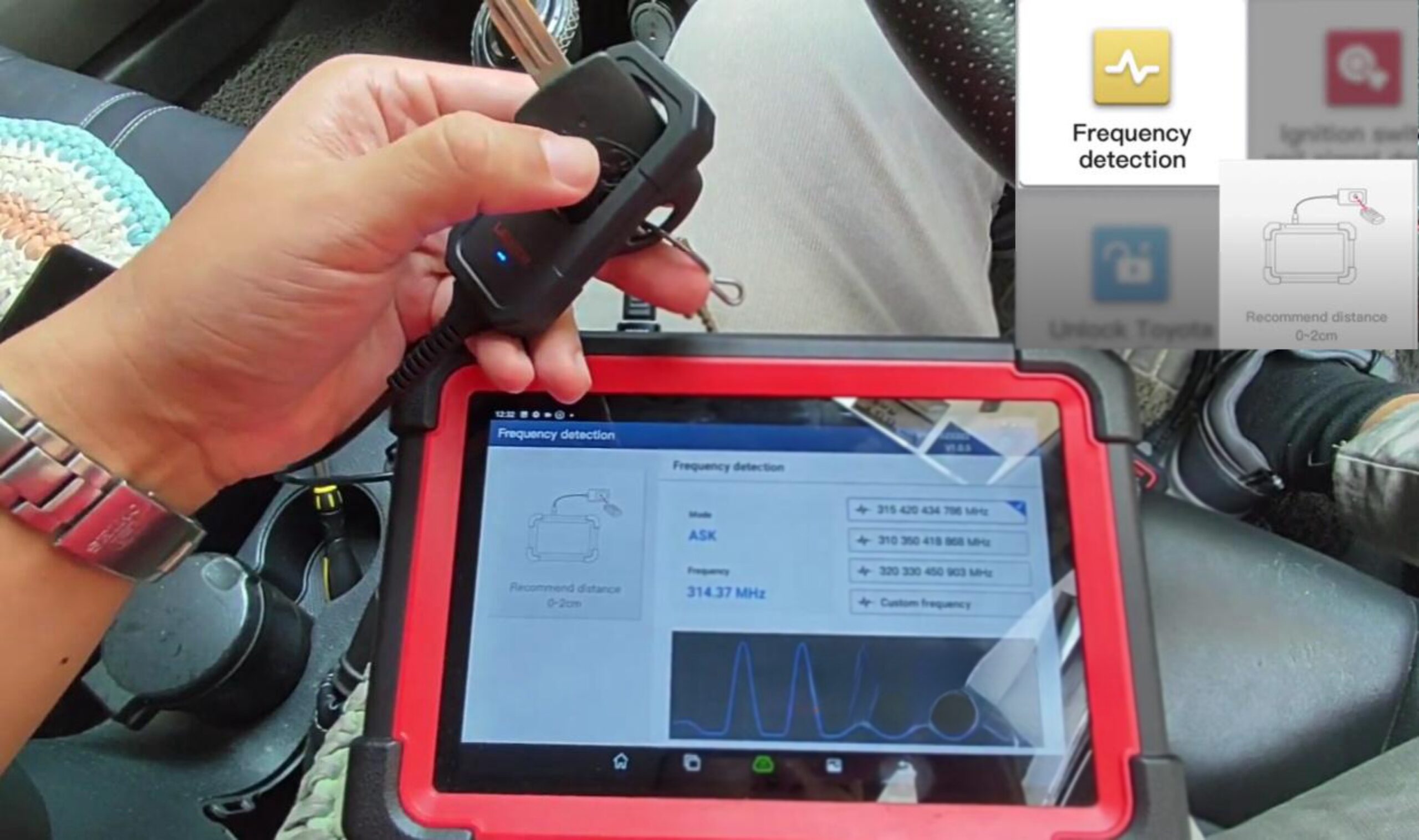
– Detect frequency
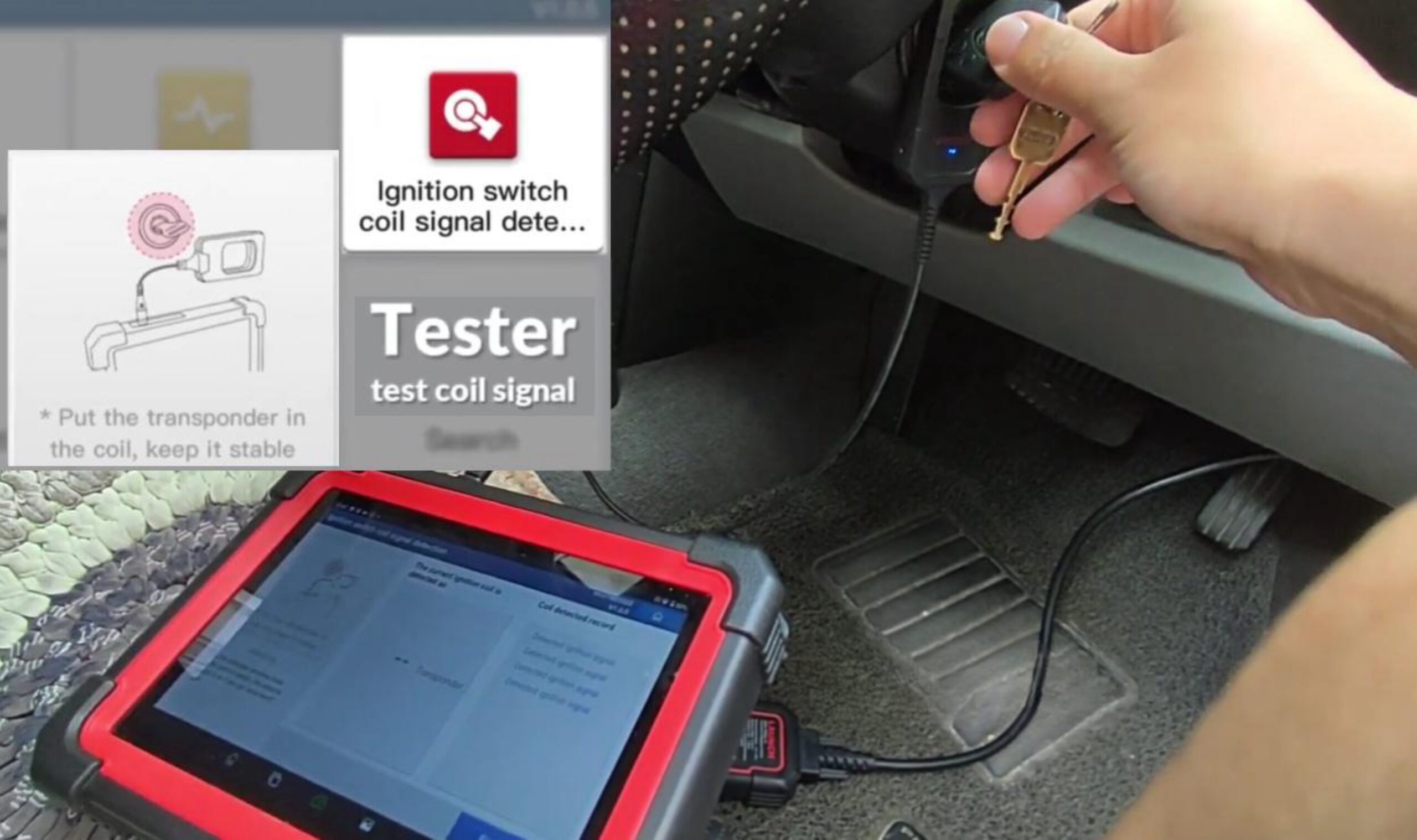
– Detect ignition coil signal (contact switch coil signal)
– Generate remote (LAUNCH X431 remote)
– Set super chip type
– Set wireless remote type
– Unlock Toyota smart key
– Supports LAUNCH super chips and VVDI super chips
– Supports VAG ID48 96-bit cloning (without required tokens)
Feature demo: Reading a transponder
Place the transponder on the detection area of the X431 Key Programmer. The device will read information such as the immobilizer type (IMMO), chip ID, and whether cloning is possible.
Feature demo: Generating a transponder
Select the type of transponder you want to generate, then place a blank transponder on the device’s detection area to generate the corresponding type.
Feature demo: Frequency detection
Place the key on the device’s detection area; the device will measure its frequency.
Feature demo: Detecting the ignition coil signal
With the X431 Key Programmer’s detection area, touch the key while starting the vehicle. The device checks whether the key is functioning correctly.
Using the X431 IMMO tool for vehicle registration:
Immobilizer transponder
Alarm remote
Notes:
Note 1: Most remote/transponder key learning procedures are performed manually.
Note 2: The smart key is usually learned together with the immobilizer transponder.