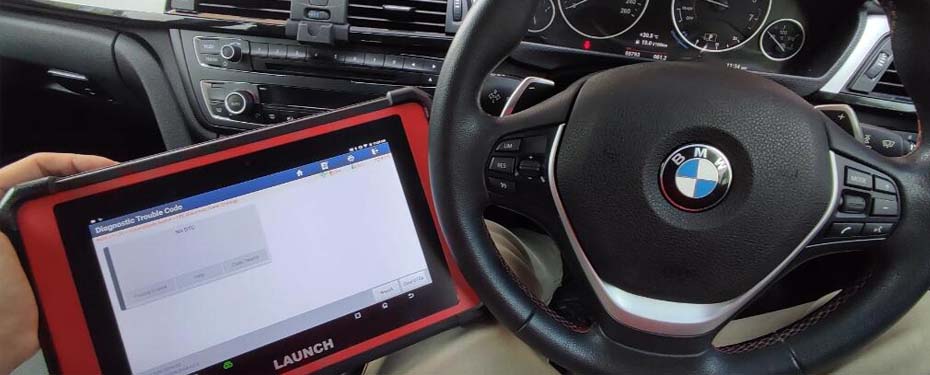
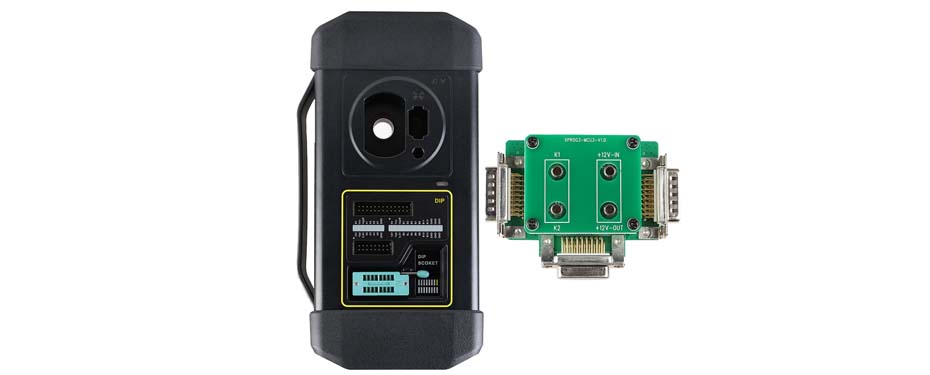
LAUNCH X431 PAD V ELITE Reads Live Data from JAC M4 (Diesel)

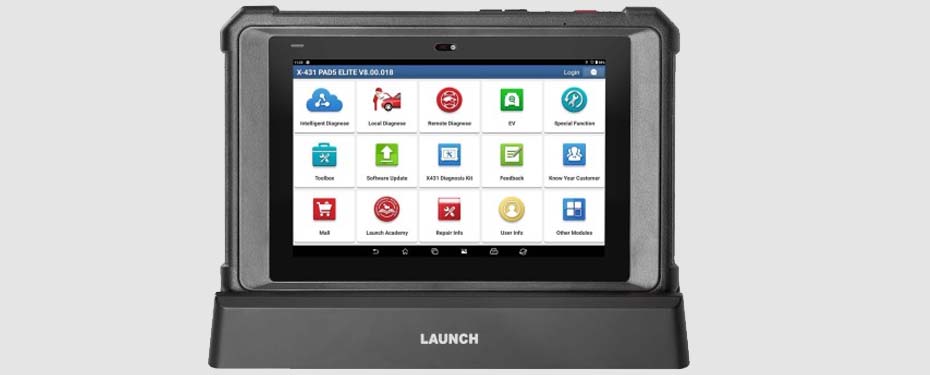
The LAUNCH X431 diagnostic equipment series also supports diesel MPV vehicles.
In this article, we’ll demonstrate how to use the LAUNCH X431 PAD V ELITE device to read live data from a JAC Refine M4 (Diesel) vehicle.
NOTE: The JAC Refine M4 is an MPV (multi-purpose vehicle) model manufactured by JAC Motors (China).
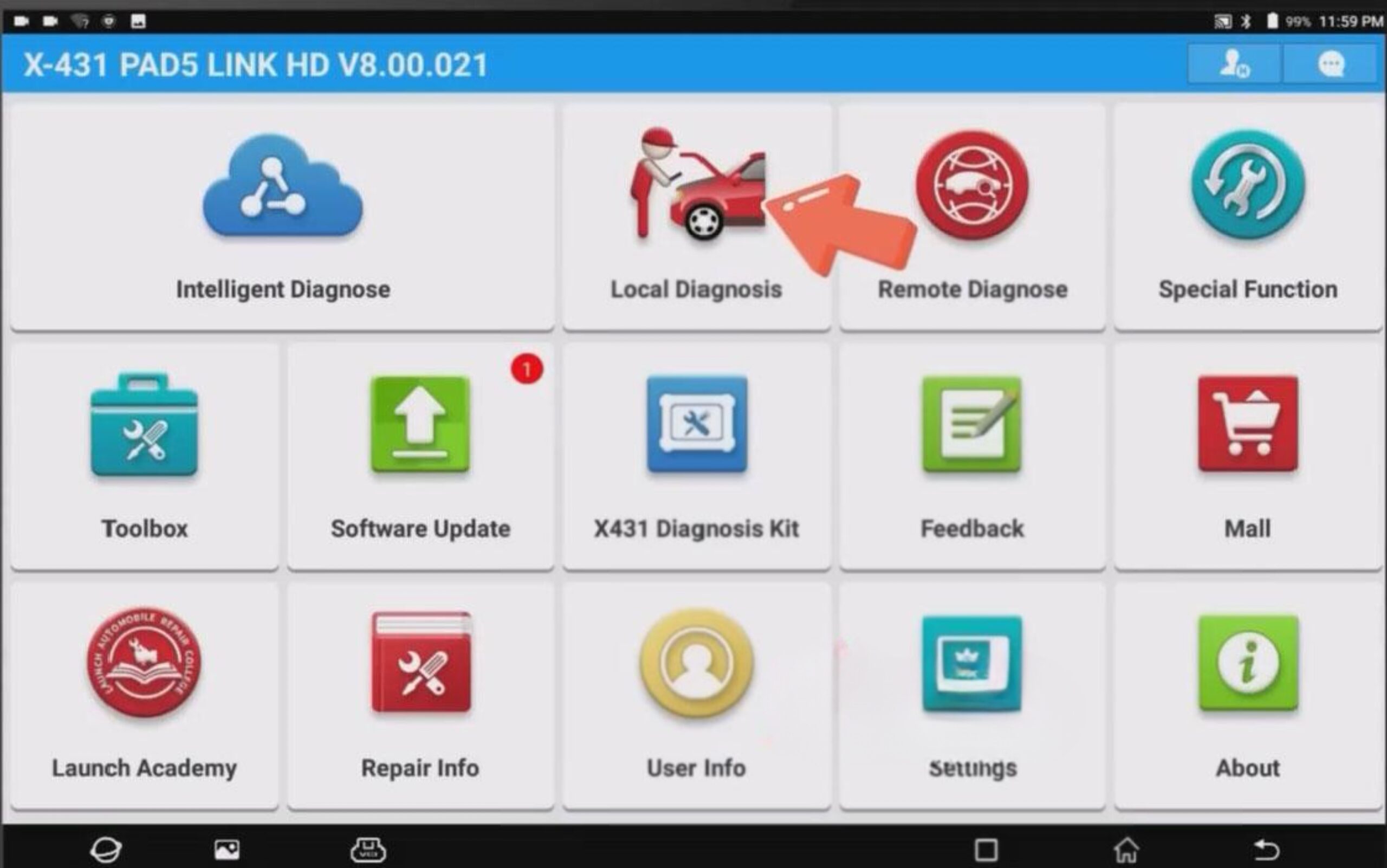
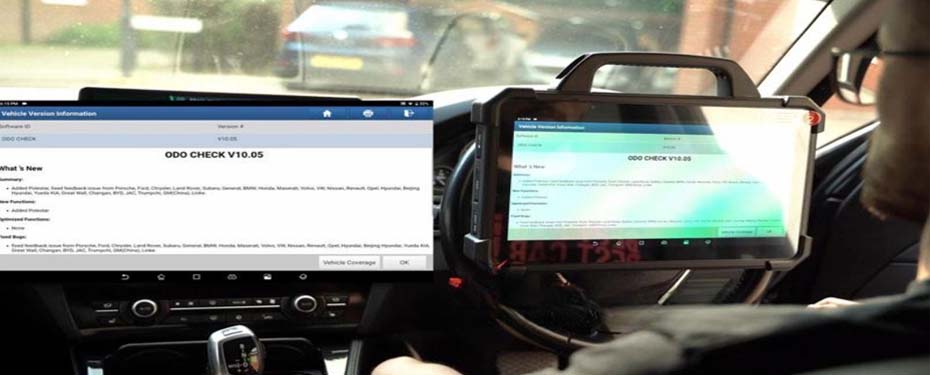
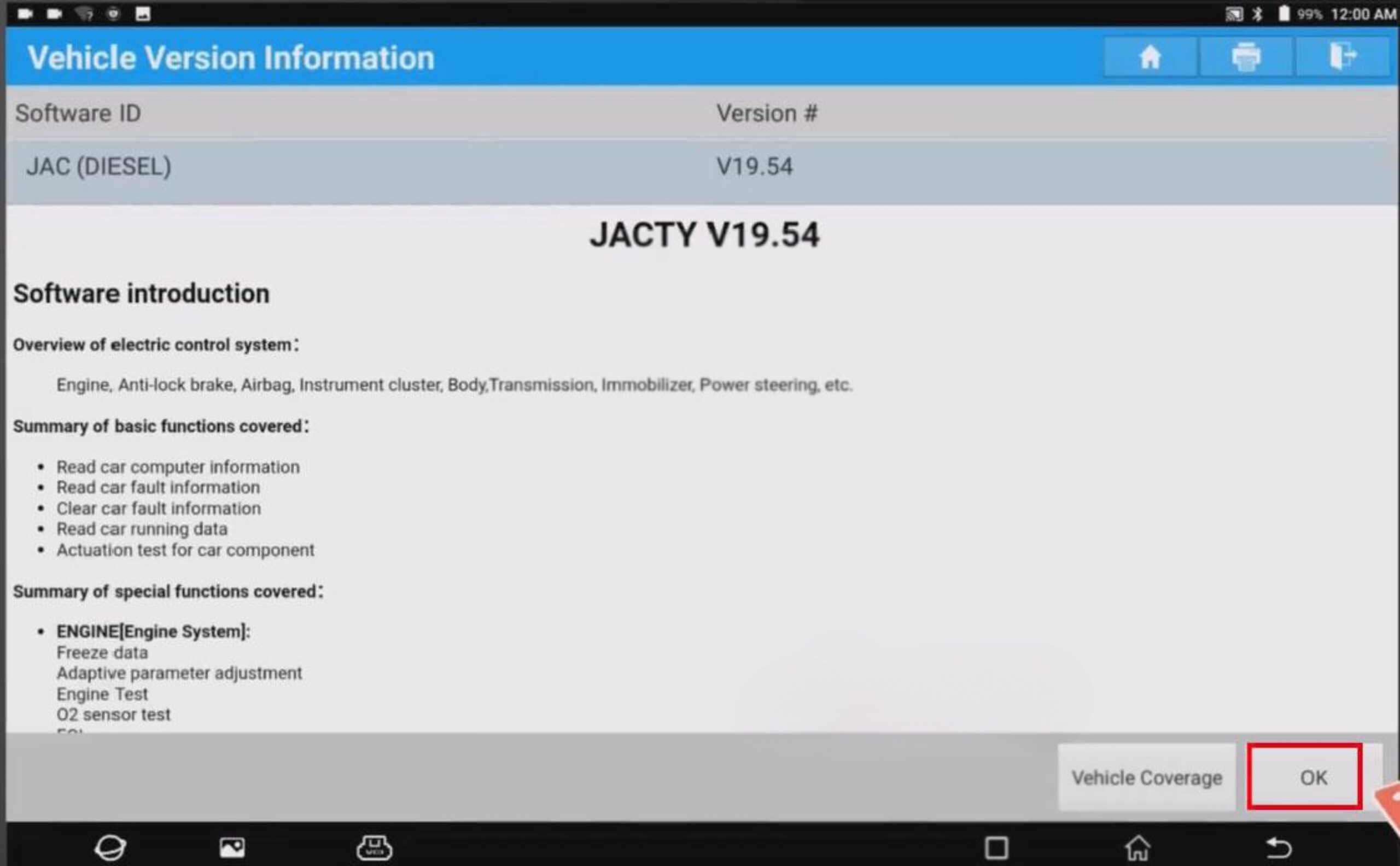
Make sure that the JACTY software is at least version V19.54, then click [OK].
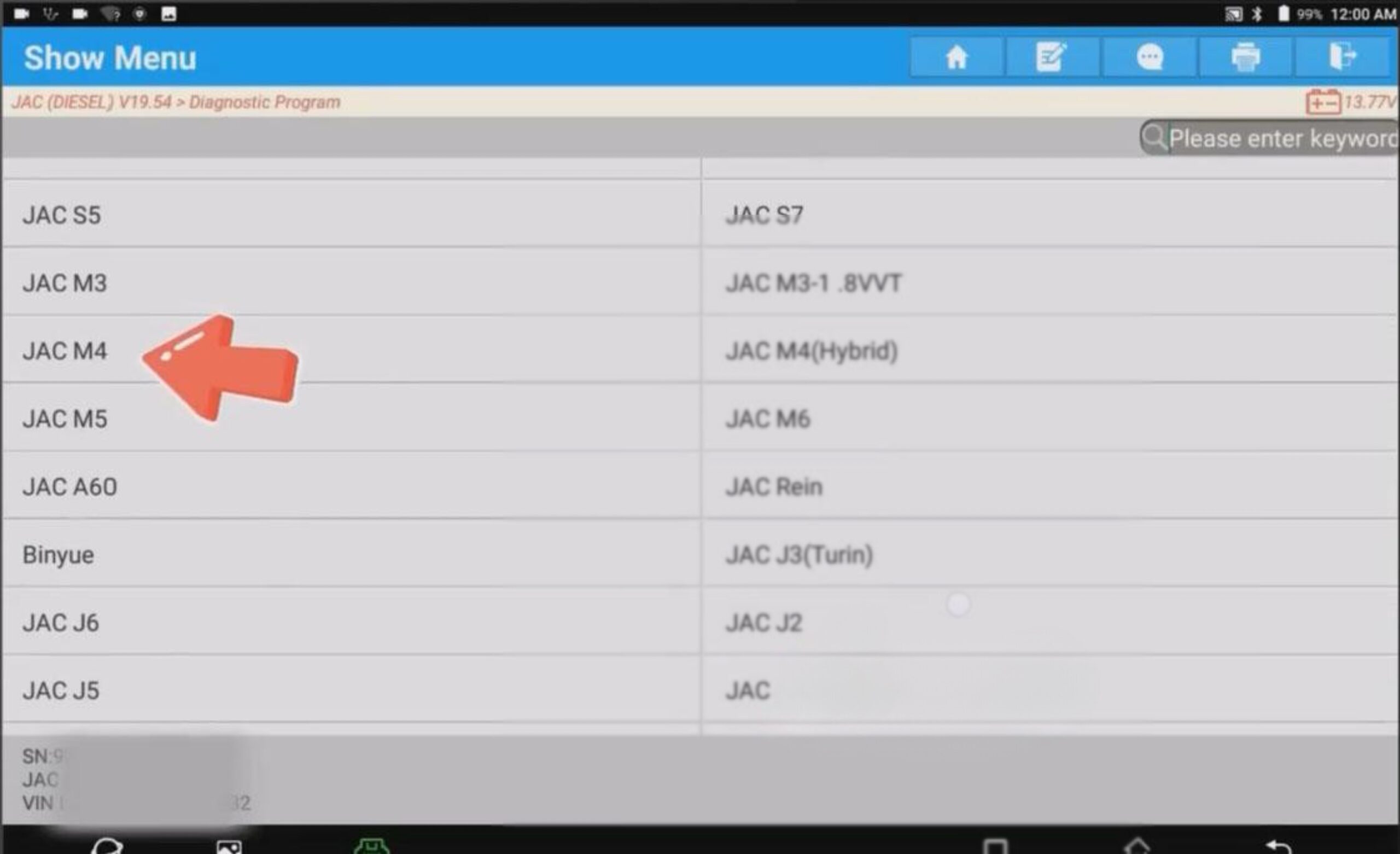
Next, on the vehicle selection interface, choose [JAC M4].
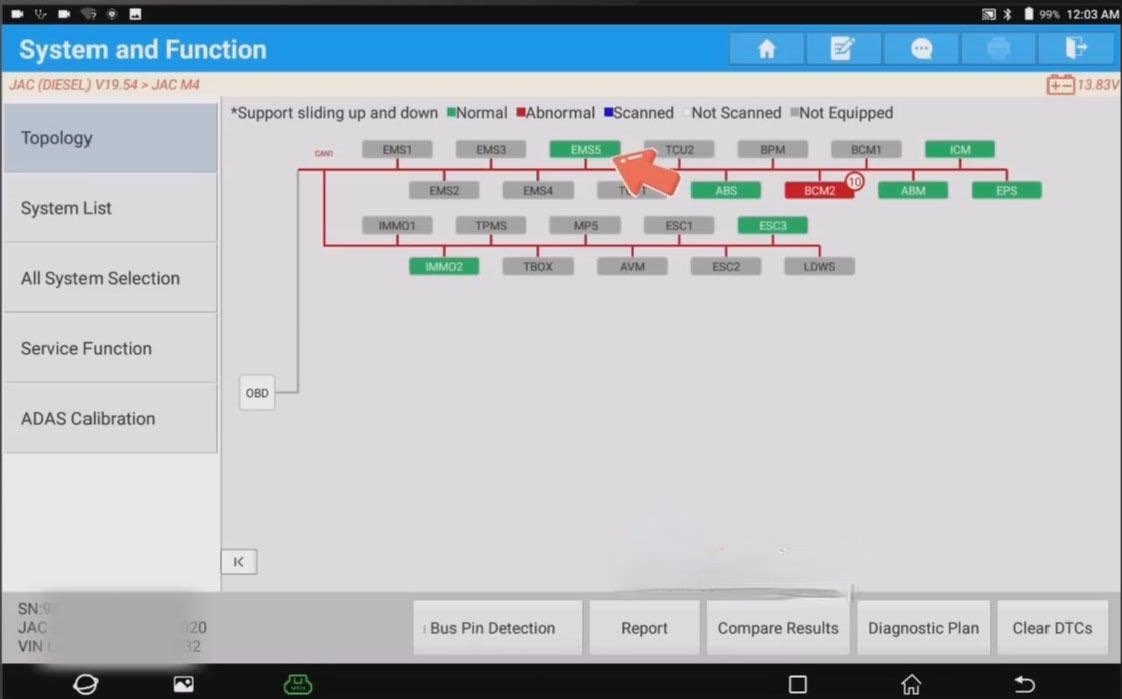
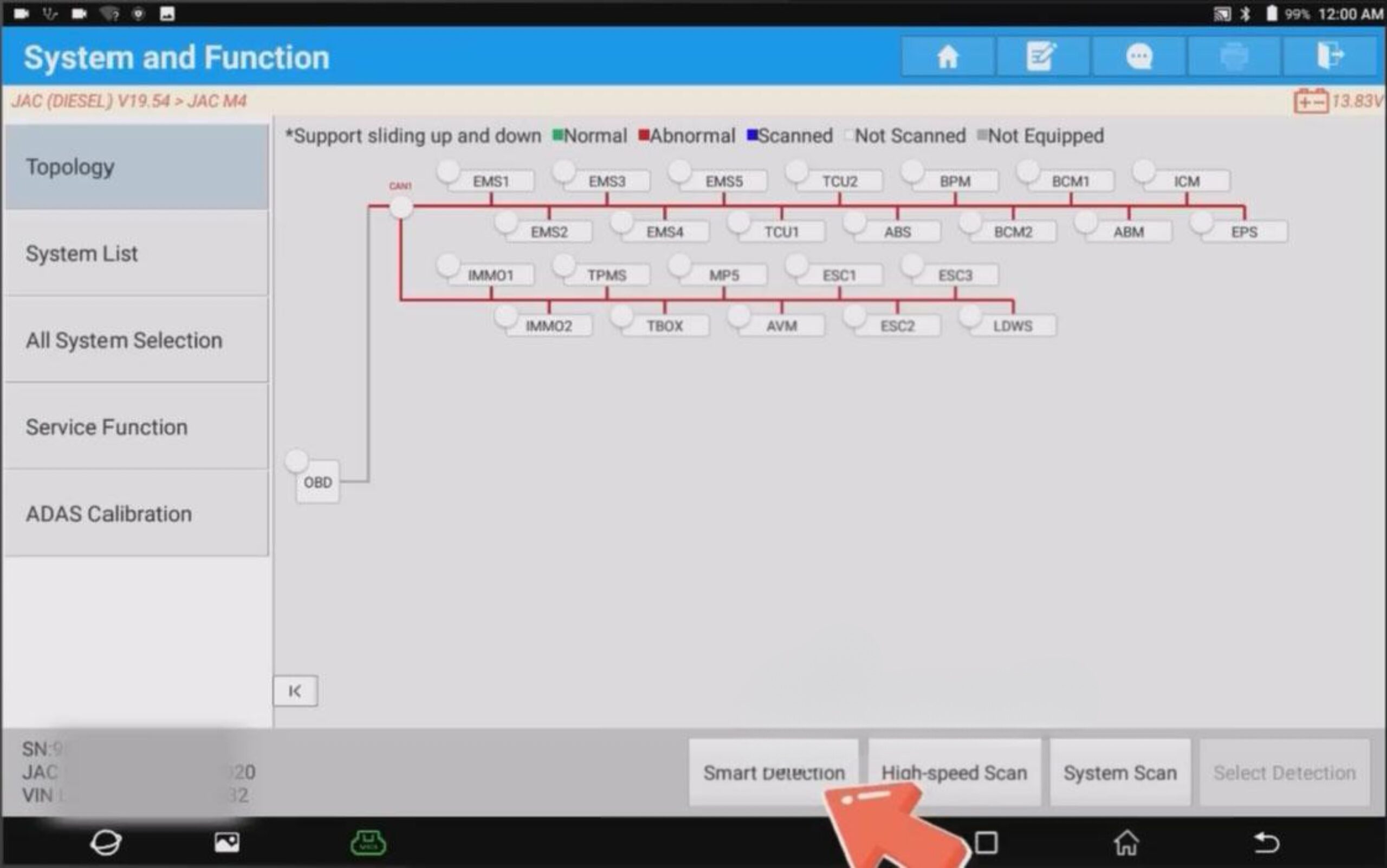
Click [Smart Detection]. This function can diagnose certain DTC codes (as shown in the image).
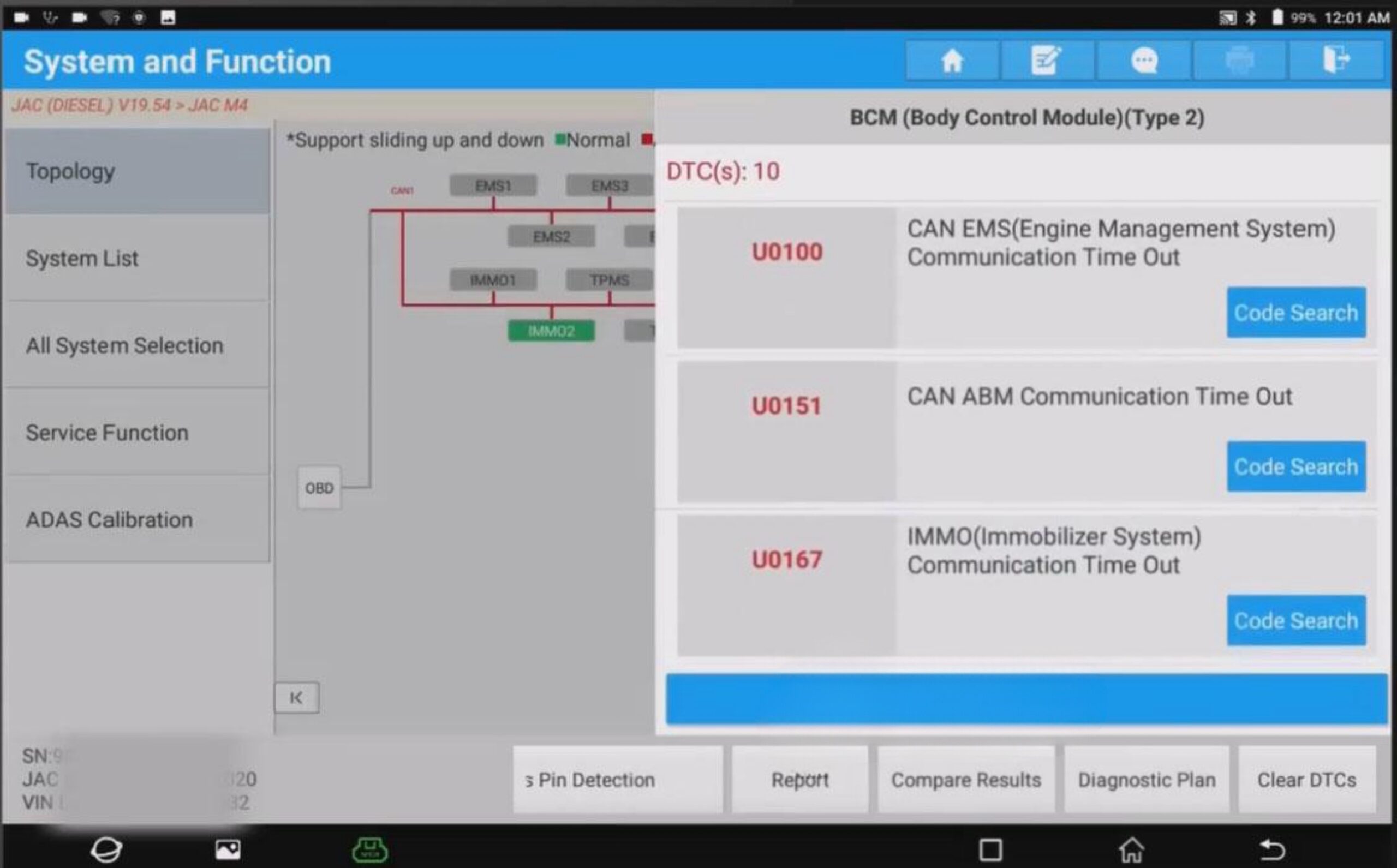
This time, we will demonstrate how to read live data, so we will not address these DTC codes for now.
Select [EMS5], and in the pop-up window, click [ENTER].
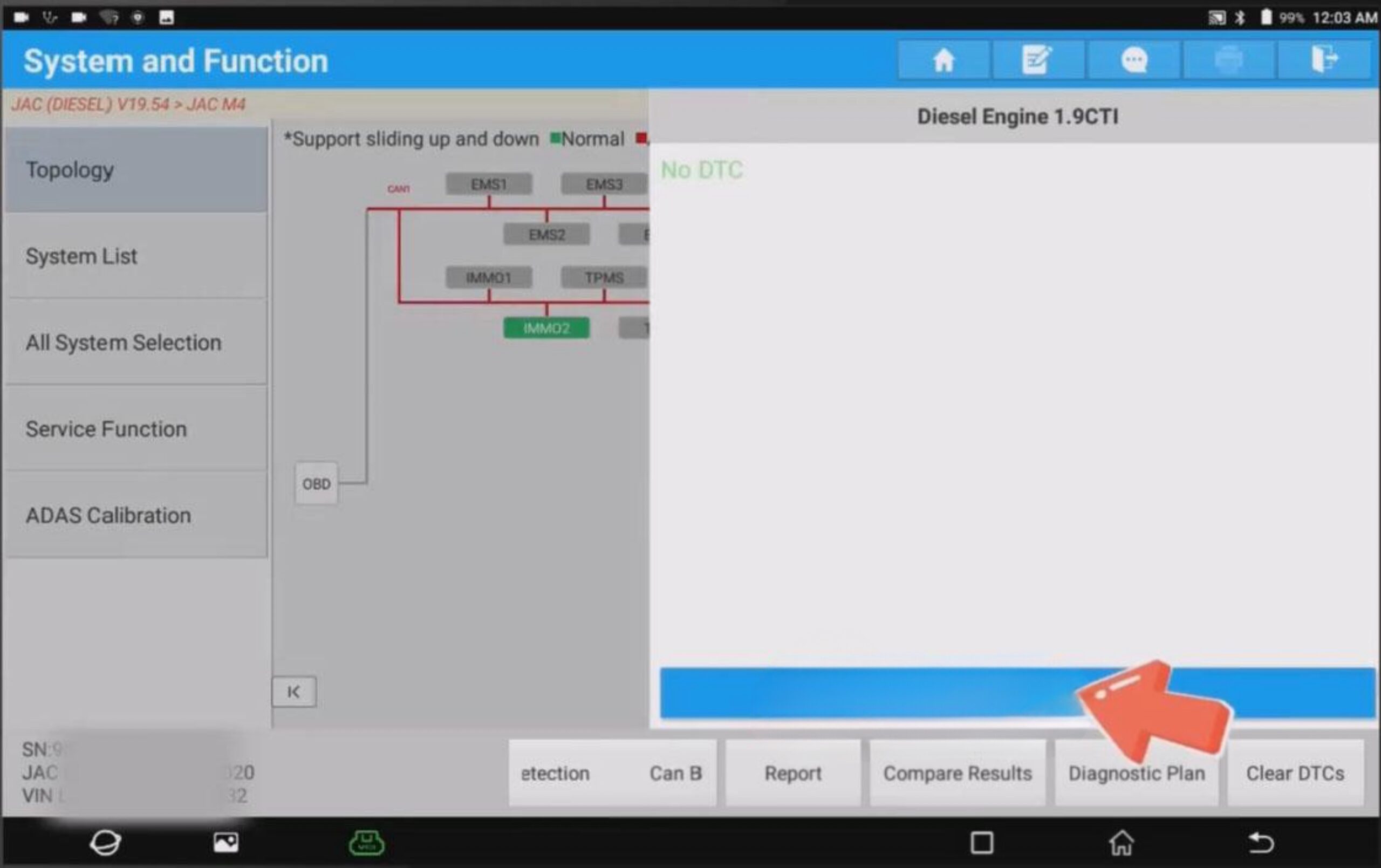
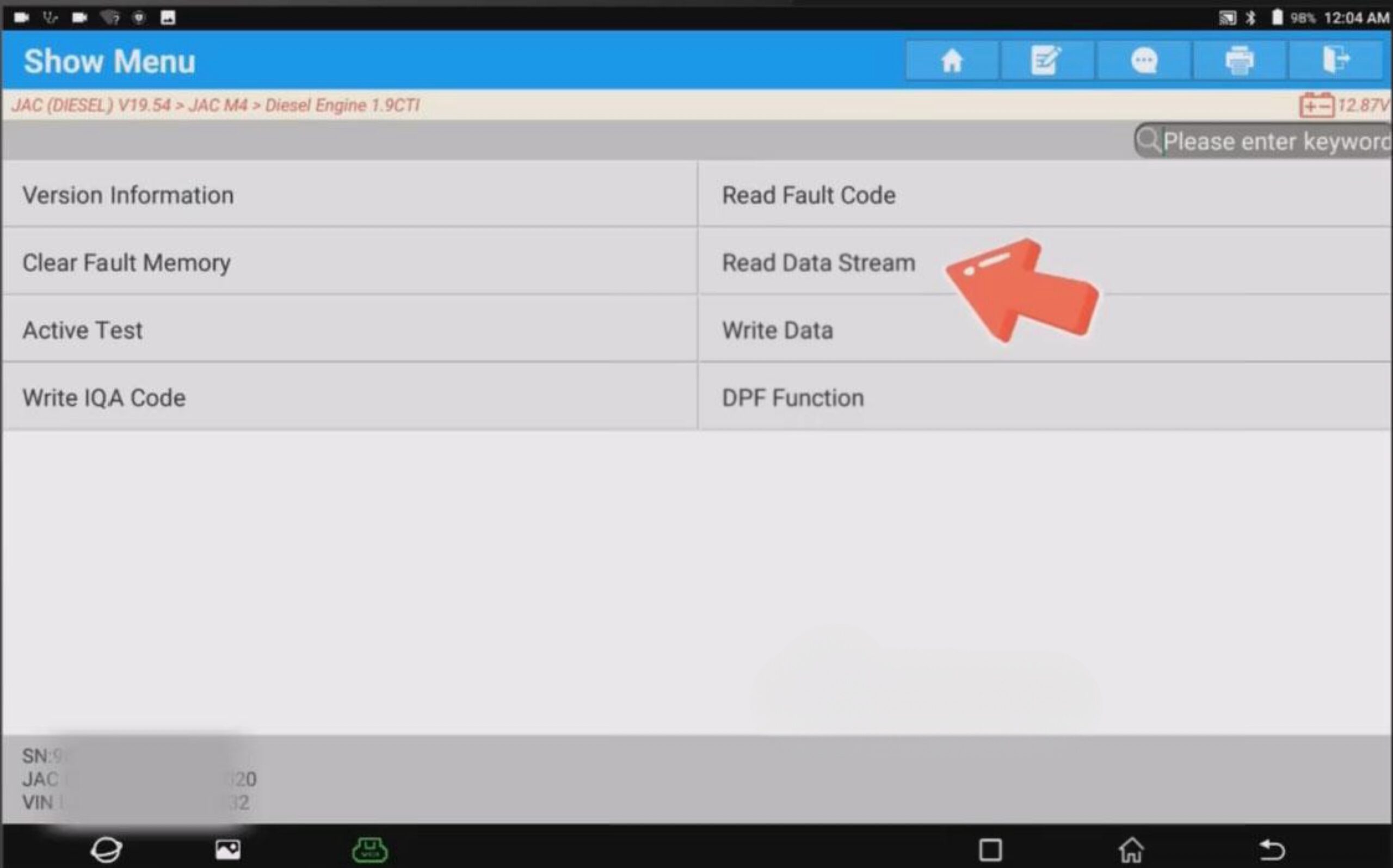
Select [Read Live Data] → [Dynamic Data].
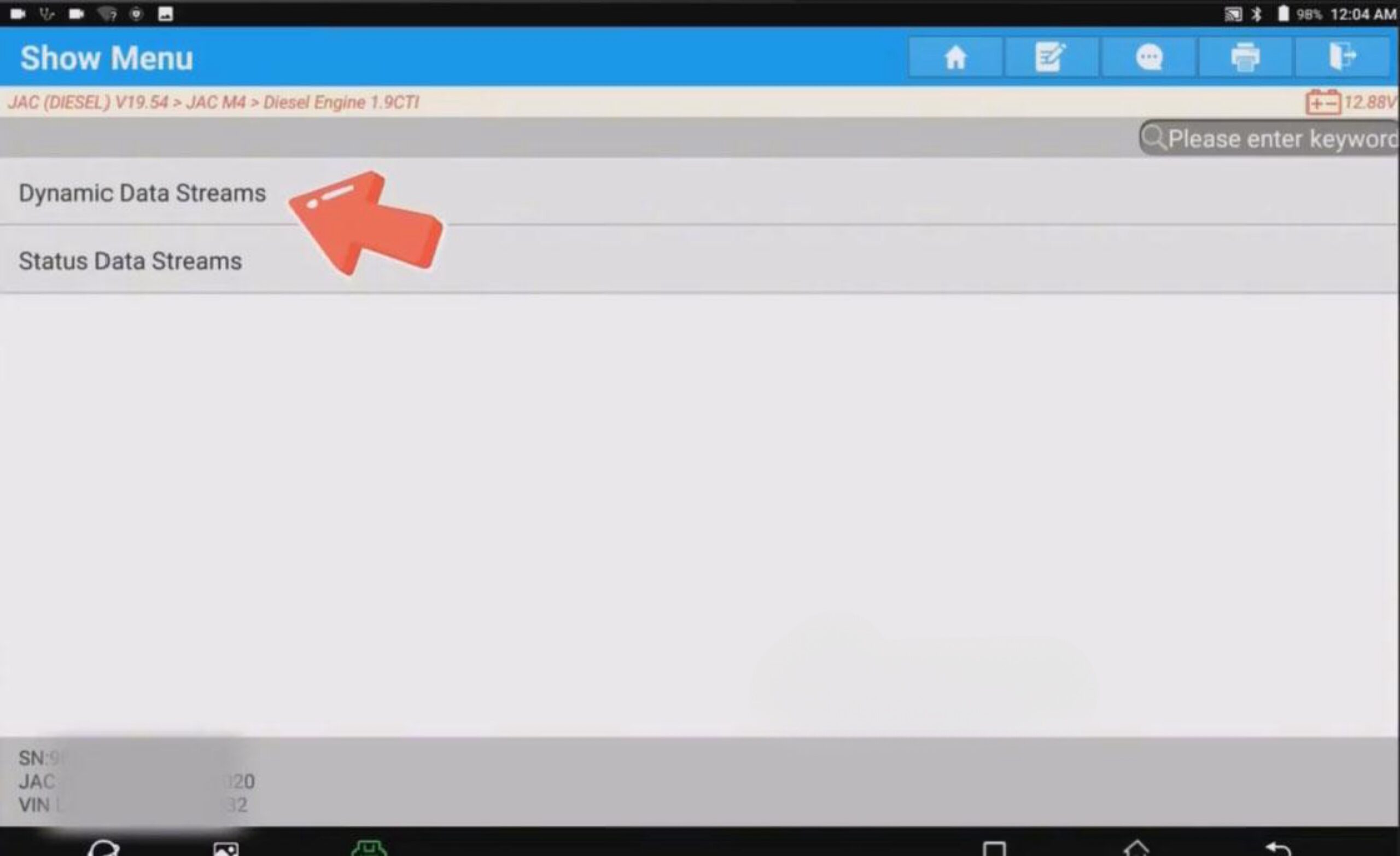
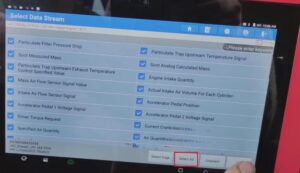
Select the desired data and click [OK].
(This time, we select all data.)
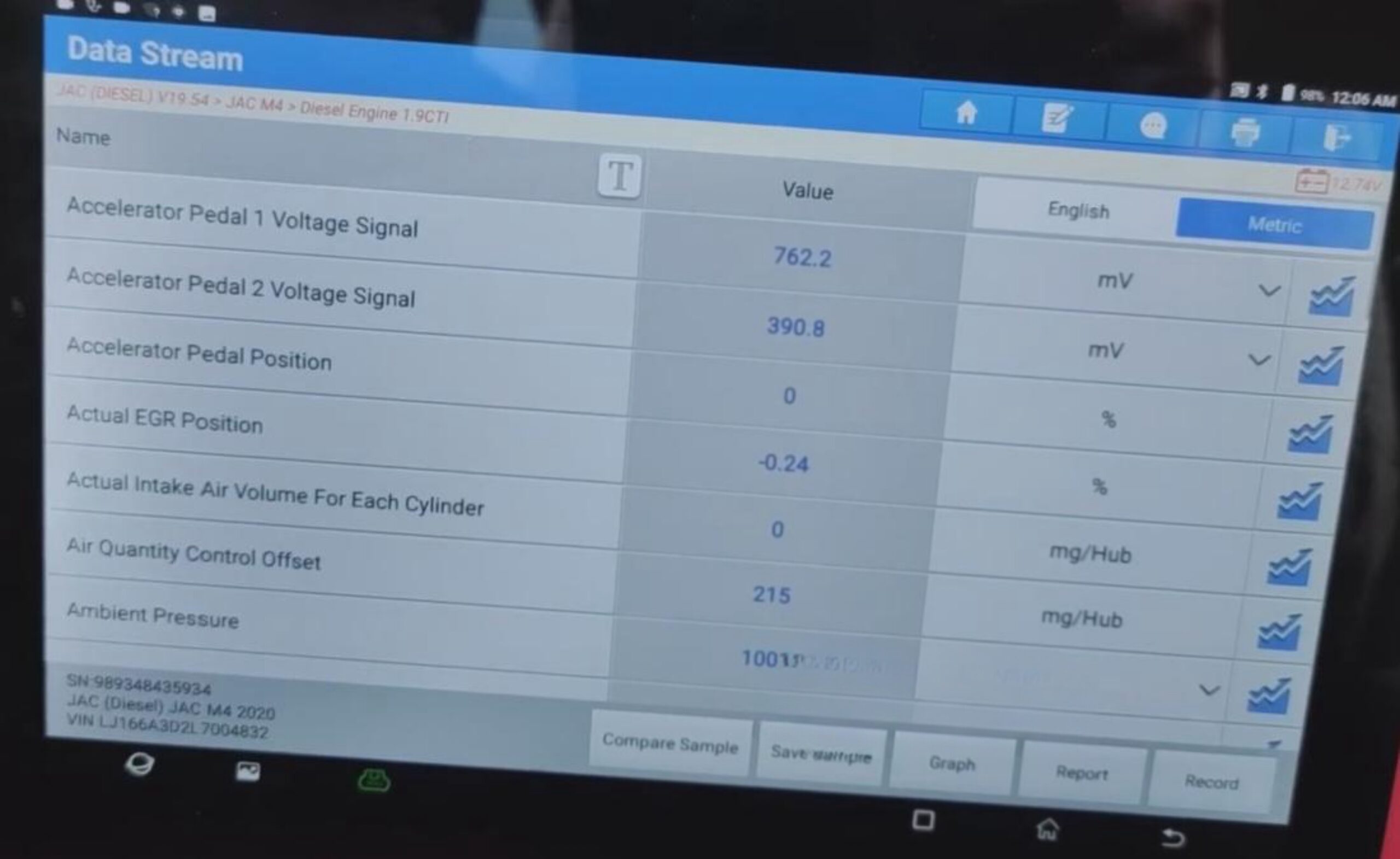
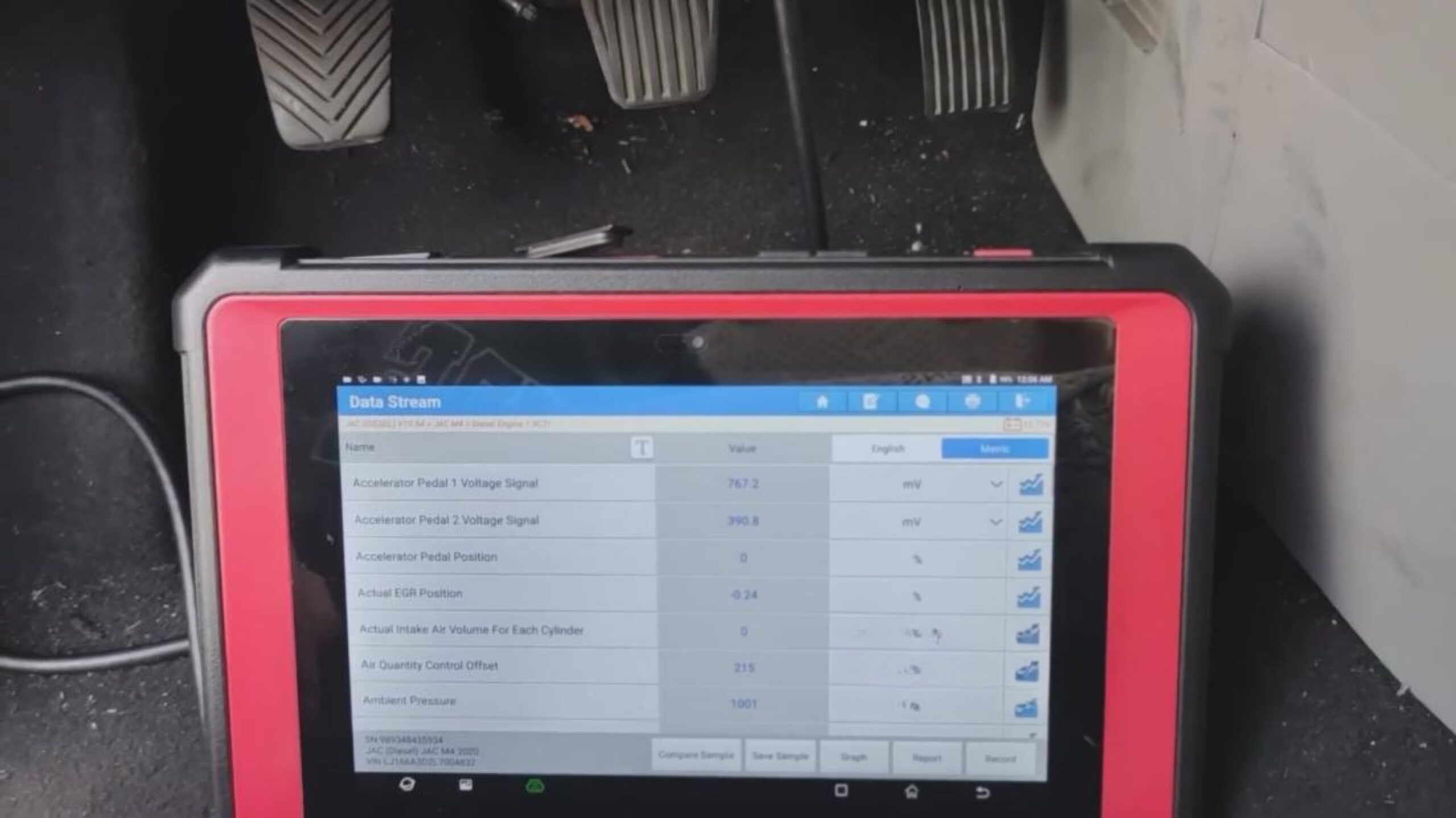
We can now view the live data. The data is being read in real time.
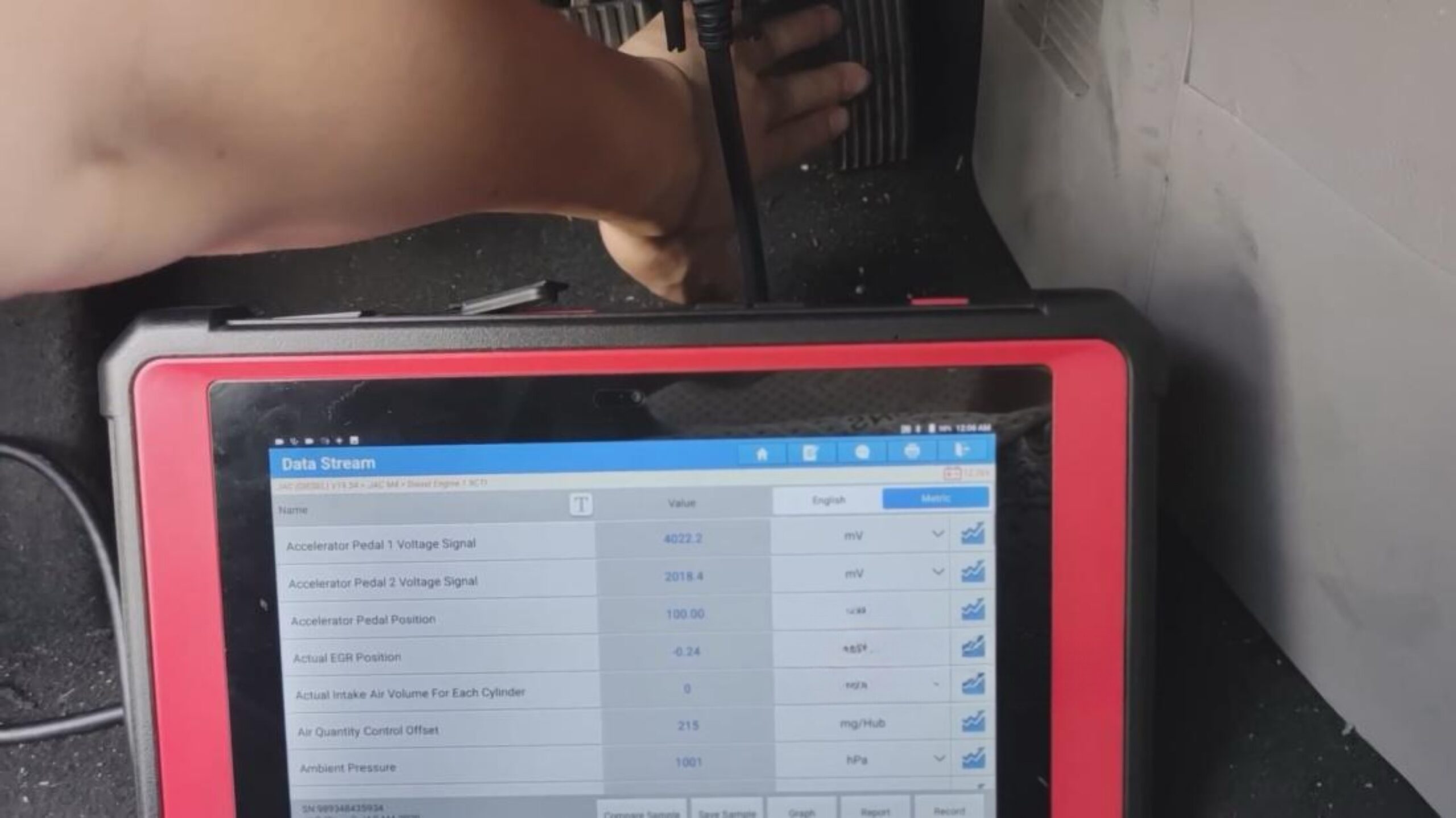
Let’s perform a simple test: press the accelerator pedal, and the throttle voltage signal will change.