How to Fix the False Subscription Expiry Notification on LAUNCH X431 Devices

How to Fix the LAUNCH X431 Error: Software Update Expired Message
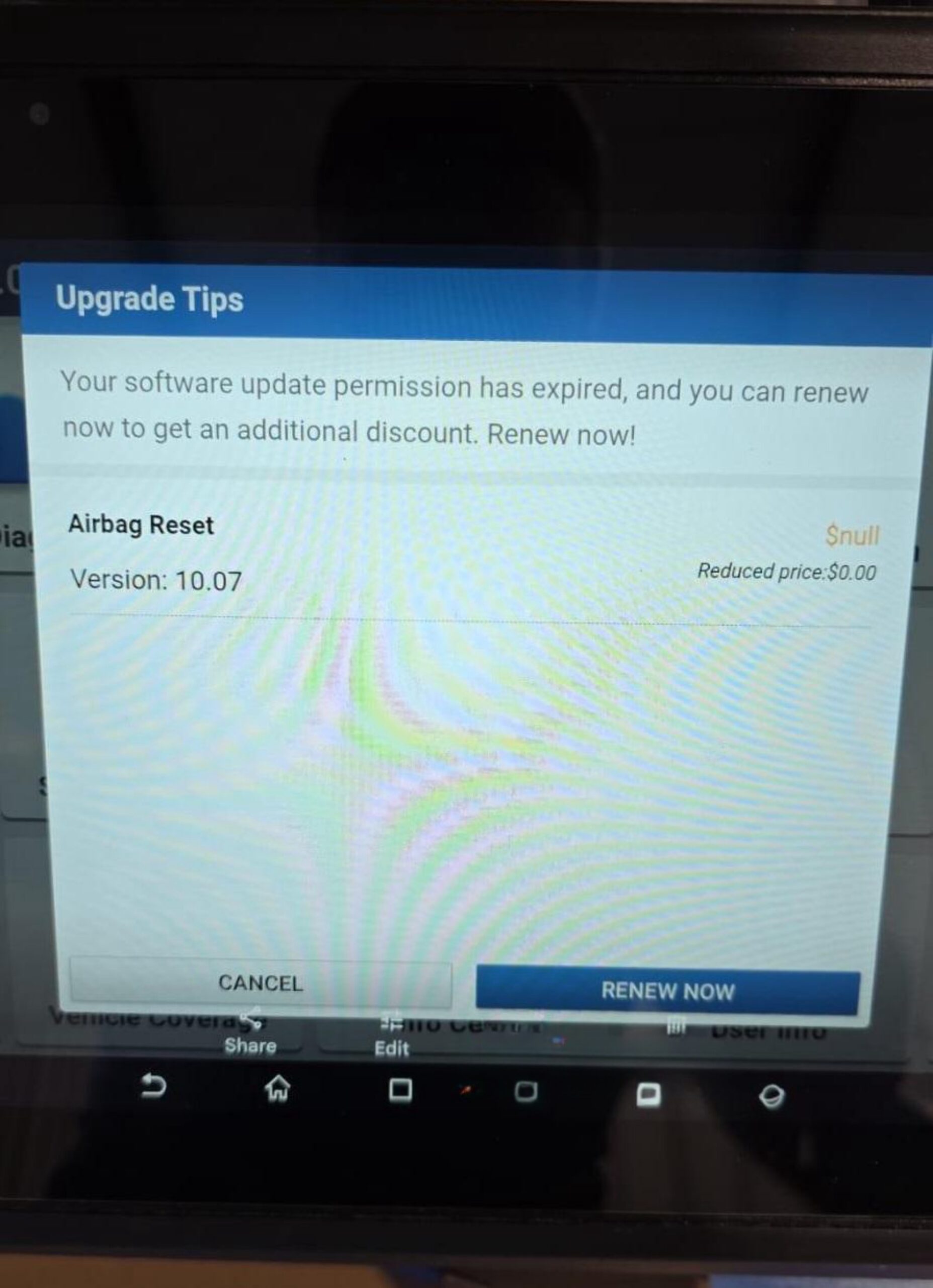
Some users have reported seeing a warning message on their LAUNCH X431 diagnostic device indicating that the software update authorization has expired:
“Your software update authorization has expired. You can renew it now and receive an additional discount. Renew now!”
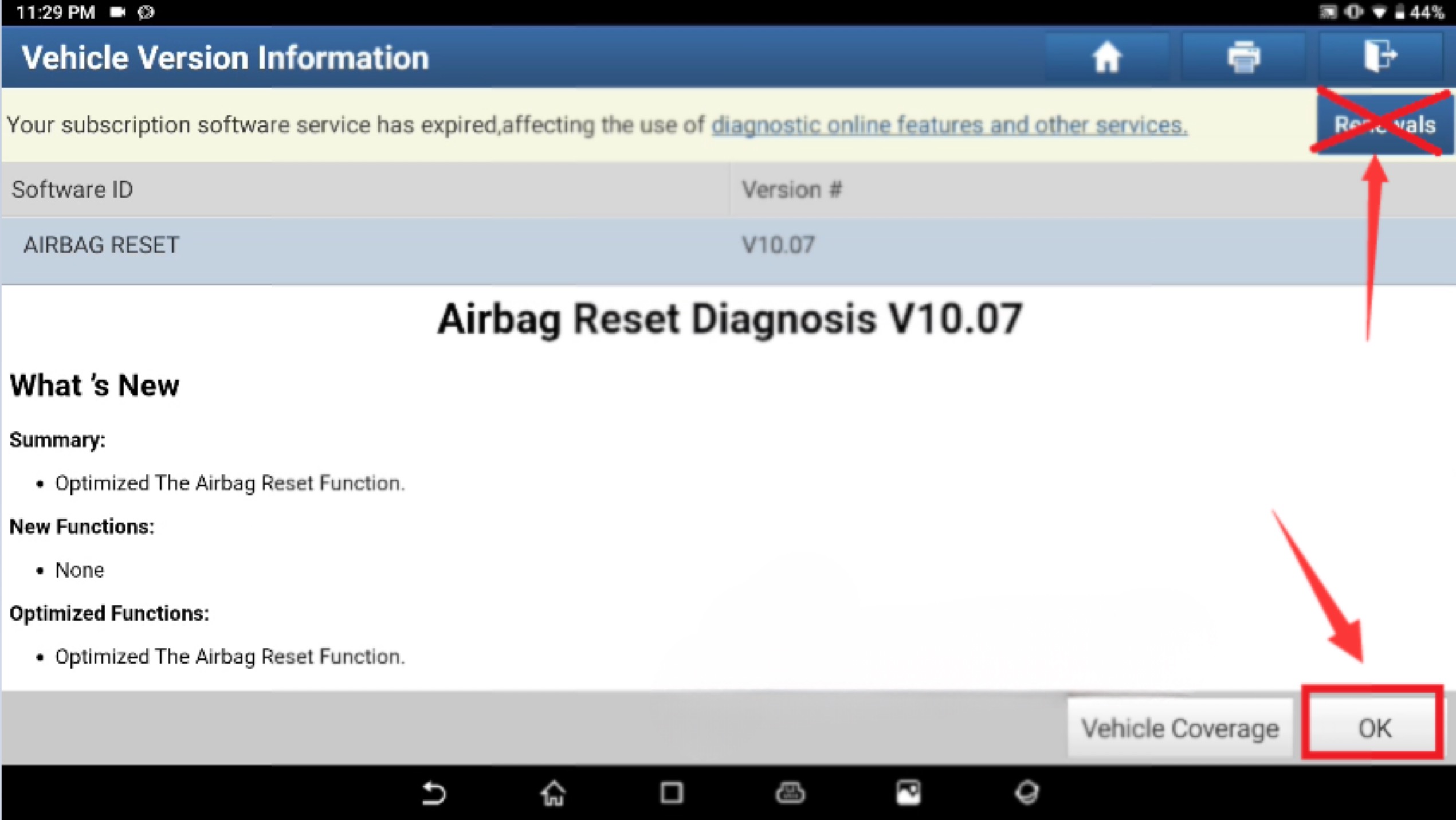
On the software information page, the following message may also appear:
“Your software subscription has expired, which affects the use of online diagnostic functions and other services.”
However, after opening the software subscription page, it turns out that the subscription has not actually expired.
So, how can this issue be resolved?
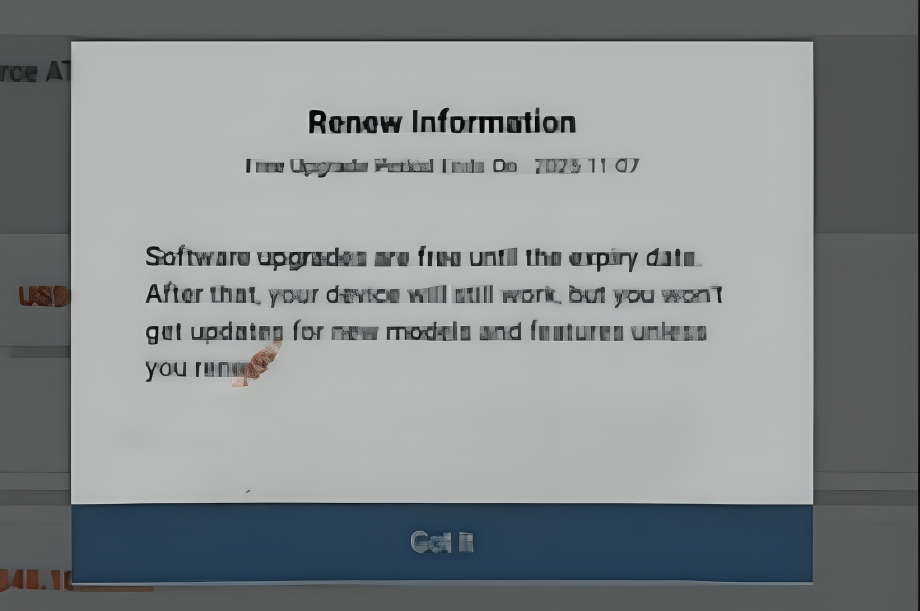
Solution:
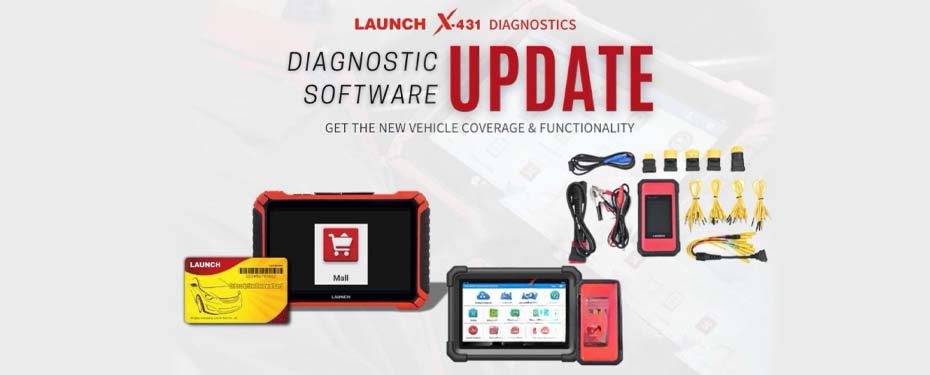
The renewal notification for specific software usually means that the software has not been updated to the latest version.
We recommend downloading and installing the latest version of the software.
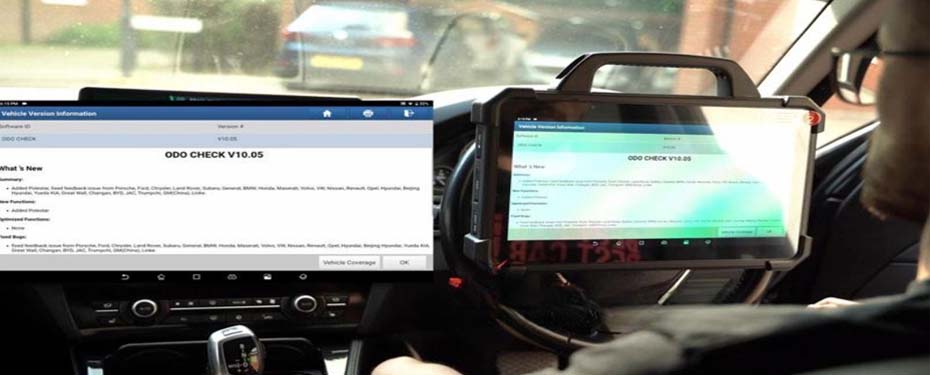
If you wish to continue using the current version, simply click [OK] on the software information screen to proceed.