LAUNCH X431 – Online Coding for BMW X3: Fixing GWS Error (Gear Selector Switch)

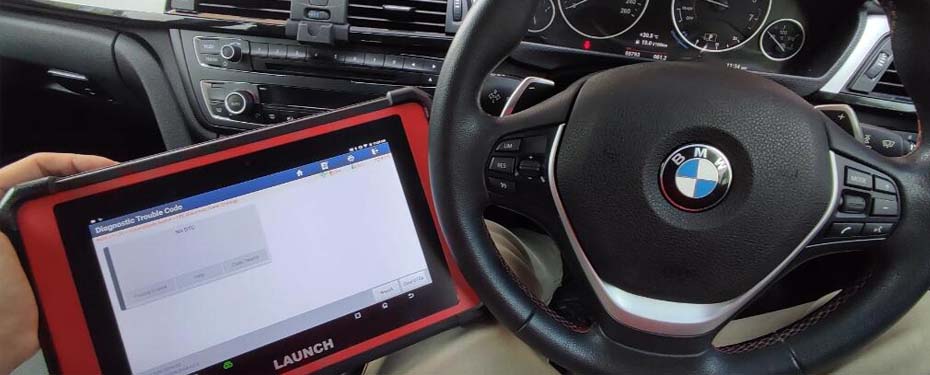
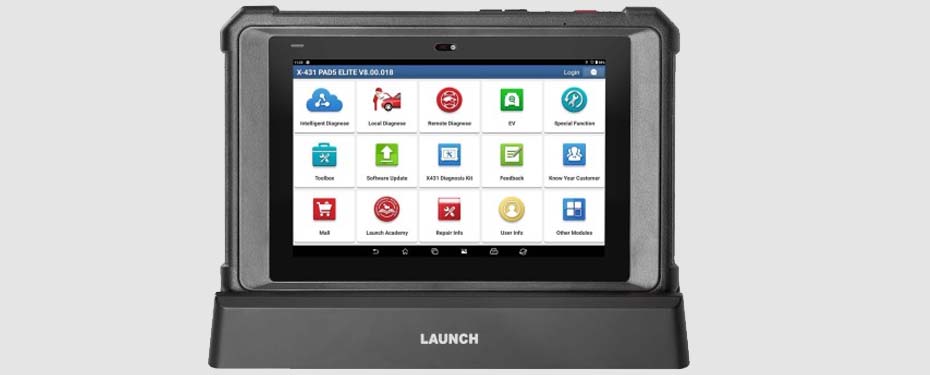
The Launch X431 PRO 5, PAD V Elite, and PAD VII Elite diagnostic devices support online coding functions for BMW vehicles, including modules such as GWS (Gear Selector Switch).
When fault codes related to the GWS module appear, re-coding the module is often the most effective solution.
🧩 Problem Description
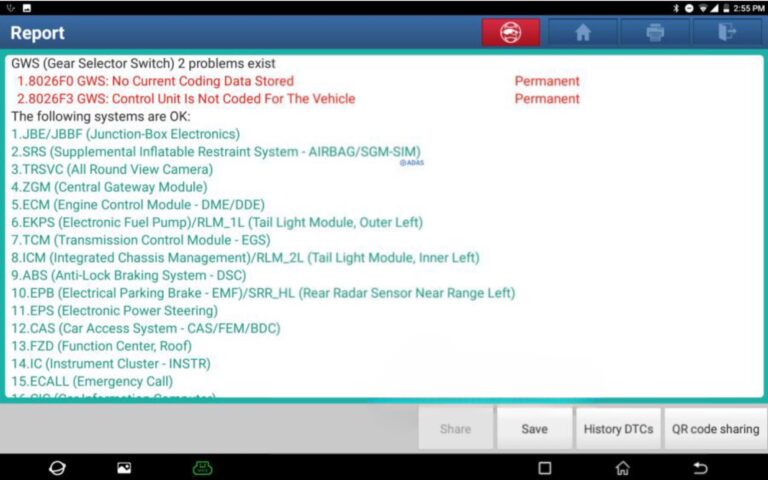
On a BMW X3 (2011), a communication issue was detected with the GWS module. The vehicle displayed the following DTC fault codes:
8026F0 – GWS: No current coding data stored
8026F3 – GWS: Control unit not coded for the vehicle
💡 What This Means
The GWS module is not properly initialized and does not contain the correct configuration for the vehicle’s VIN.
This can happen after:
Replacing the control unit
Performing an incorrect flashing or programming procedure
Power interruption during coding
As a result, the system cannot recognize or communicate correctly with the GWS module.
✅ Solution Using Launch X431
With an original Launch diagnostic tool that supports online coding, you can recode the GWS module directly — usually resolving both DTCs without replacing the module.
📦 Supported Devices
Launch X431 PRO 5
Launch X431 PAD V Elite
Launch X431 PAD VII Elite
🚗 Tested Vehicle
Model: BMW X3
Year: 2011
VIN: WBAWX5102BL******
🧰 Step-by-Step Procedure
Connect to the vehicle and perform a full diagnostic scan.
→ The tool will detect:DTC 8026F0 – No Current Coding Data Stored
DTC 8026F3 – Control Unit Not Coded for the Vehicle
Open the GWS module menu and select “Online Coding” (or “Coding”, depending on software version).
The system will automatically download and apply the correct coding parameters from the BMW server.
⚠️ An active internet connection and valid Launch subscription are required.After completion, re-read DTCs to verify success.
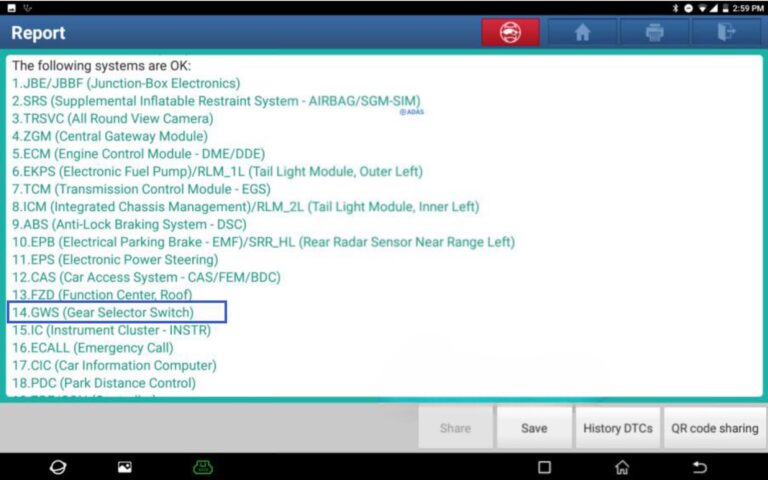
→ If the coding was successful, both errors should be cleared.Save the new diagnostic report as proof of the completed operation.
⚠️ Important Notes
Online coding is available only on genuine Launch devices with an active software subscription.
The GWS module must be physically compatible with the vehicle’s VIN and system architecture.
After coding, additional adaptations or synchronization may be necessary (for example, with the central electronic system or EGS transmission control module).
🏁 Conclusion
The case demonstrates that with a Launch X431 device equipped for online coding, technicians can easily reprogram and restore GWS functionality on BMW vehicles — quickly, safely, and without replacing expensive modules.
Launch tools continue to prove their value as comprehensive, OEM-level diagnostic solutions for professional workshops.
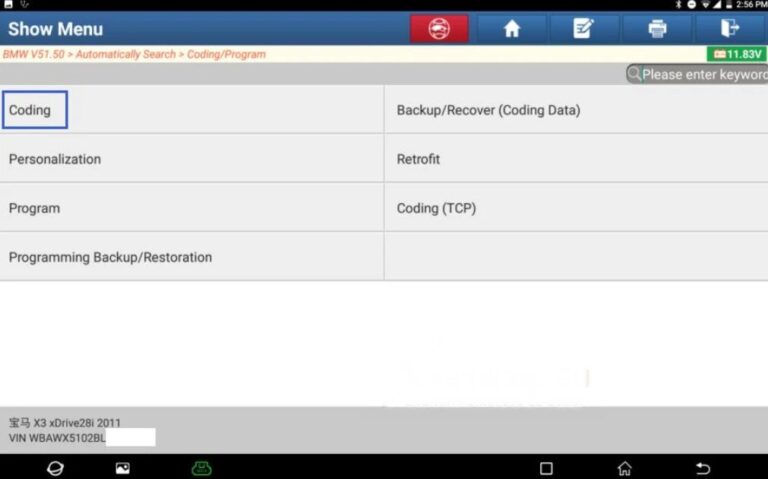
SELECT – [Coding/Program].
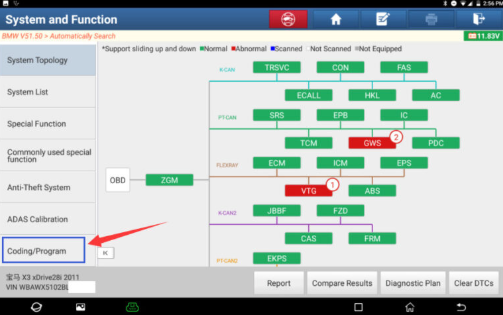
3. SELECT – [Coding].
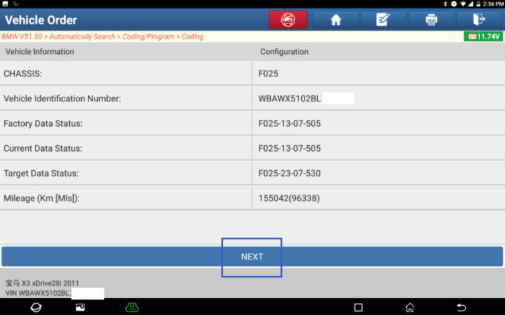
4. Confirm that the vehicle model information is correct, then click [Next].
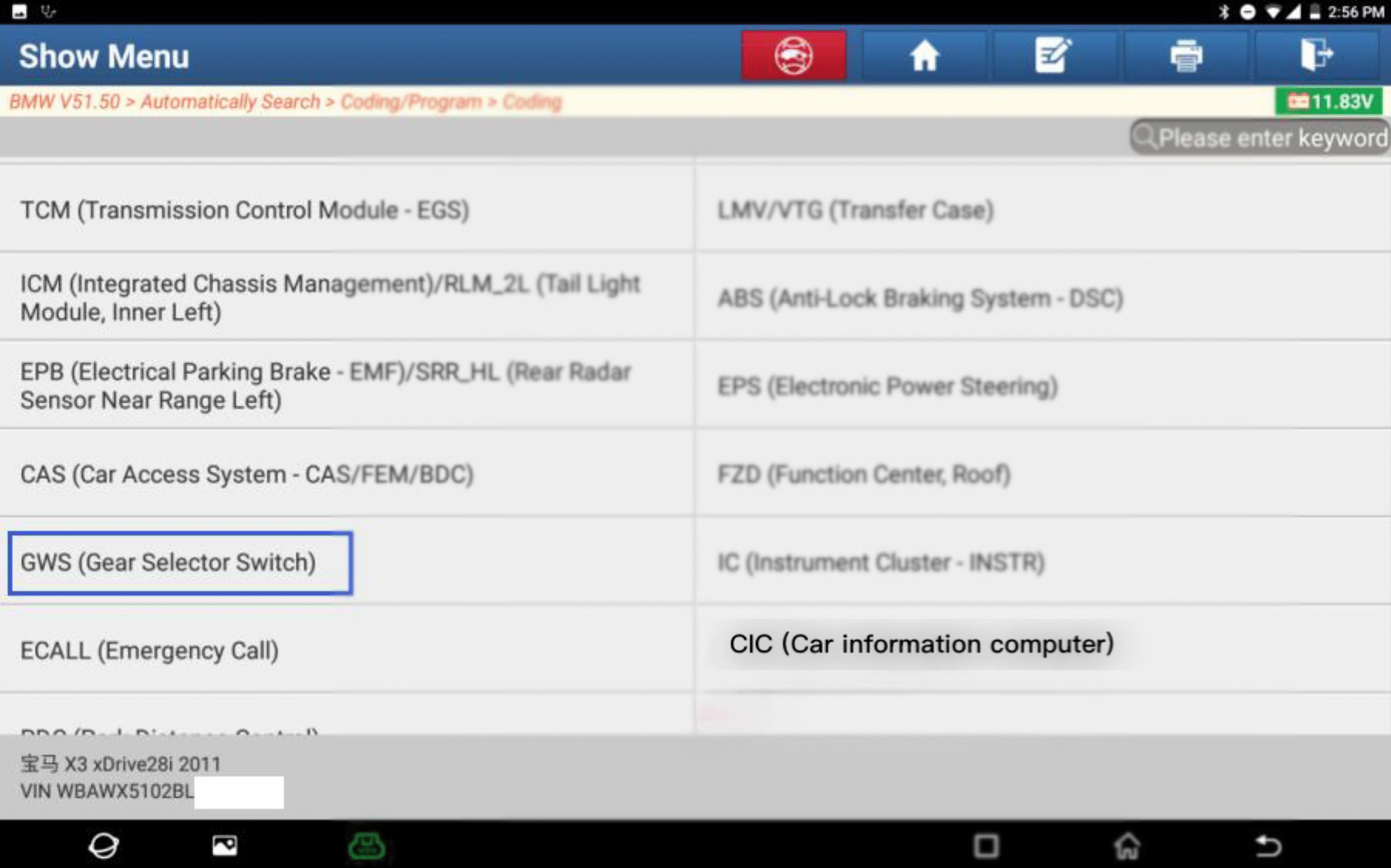
5. SELECT – [GWS (Gear Selector Switch)].
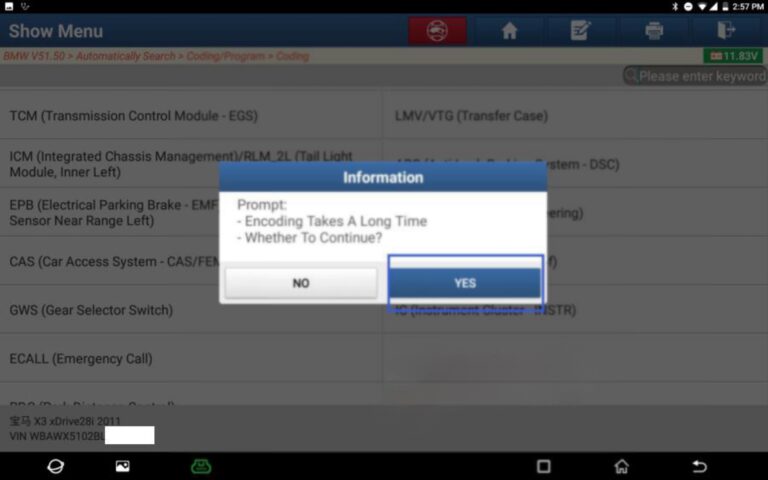
CLICK – [YES] to continue.
7. The item marked with an asterisk ( * ) is the recommended option. Select [F025-12-03-503].
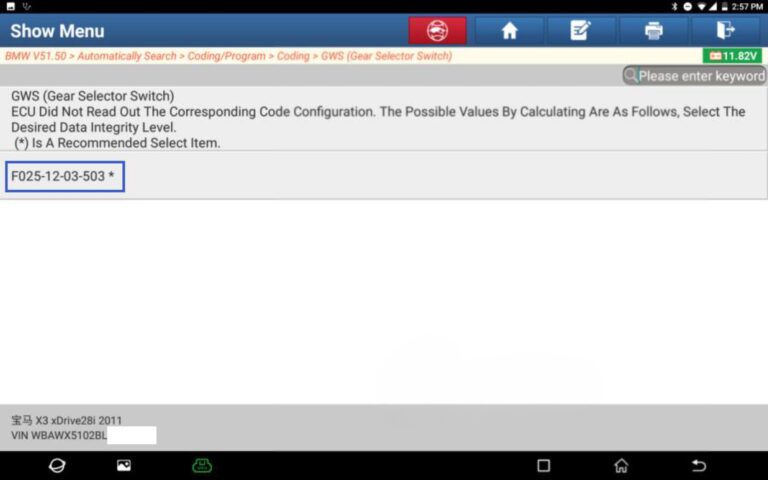
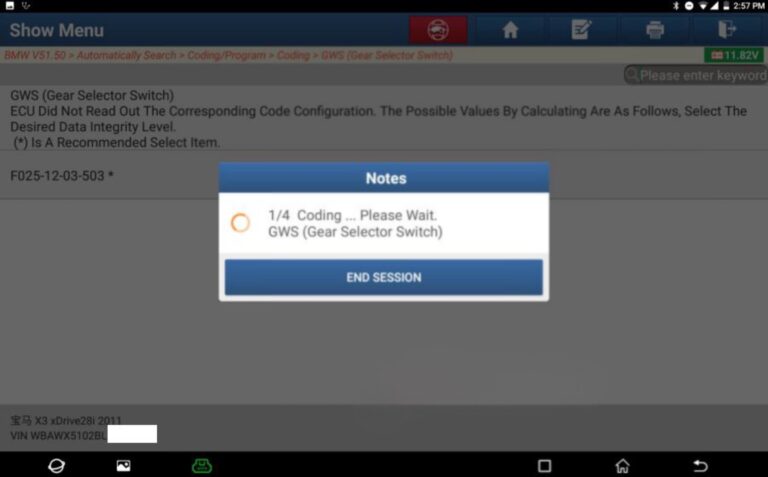
8. The message “Coding… Please wait.” will appear.
9. A message will appear: “Recording has been completed.” – PRESS [OK].
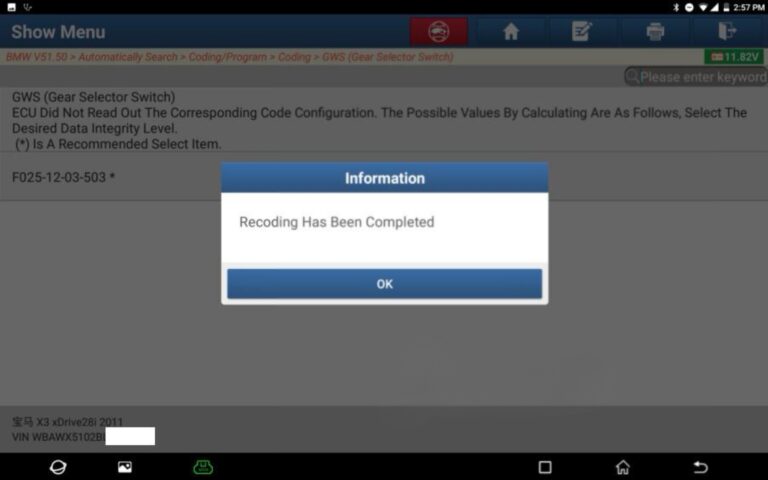
Save the fault report. The GWS no longer has any diagnostic trouble codes (DTC).