Problems Writing with XPROG3? Switch to USB Connection!

❓User Question:
Why can’t I write data when cloning a transmission with the LAUNCH XPROG3?
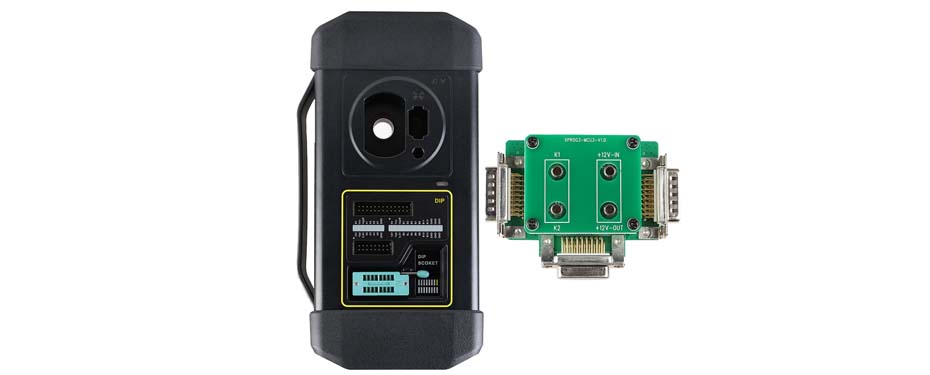
I’m using the LAUNCH X431 PRO ELITE together with the XPROG3 (GIII) module to clone a DQ200 transmission. Reading EEPROM and Flash data works without any issues, but when I try to write the data back, the following message appears:
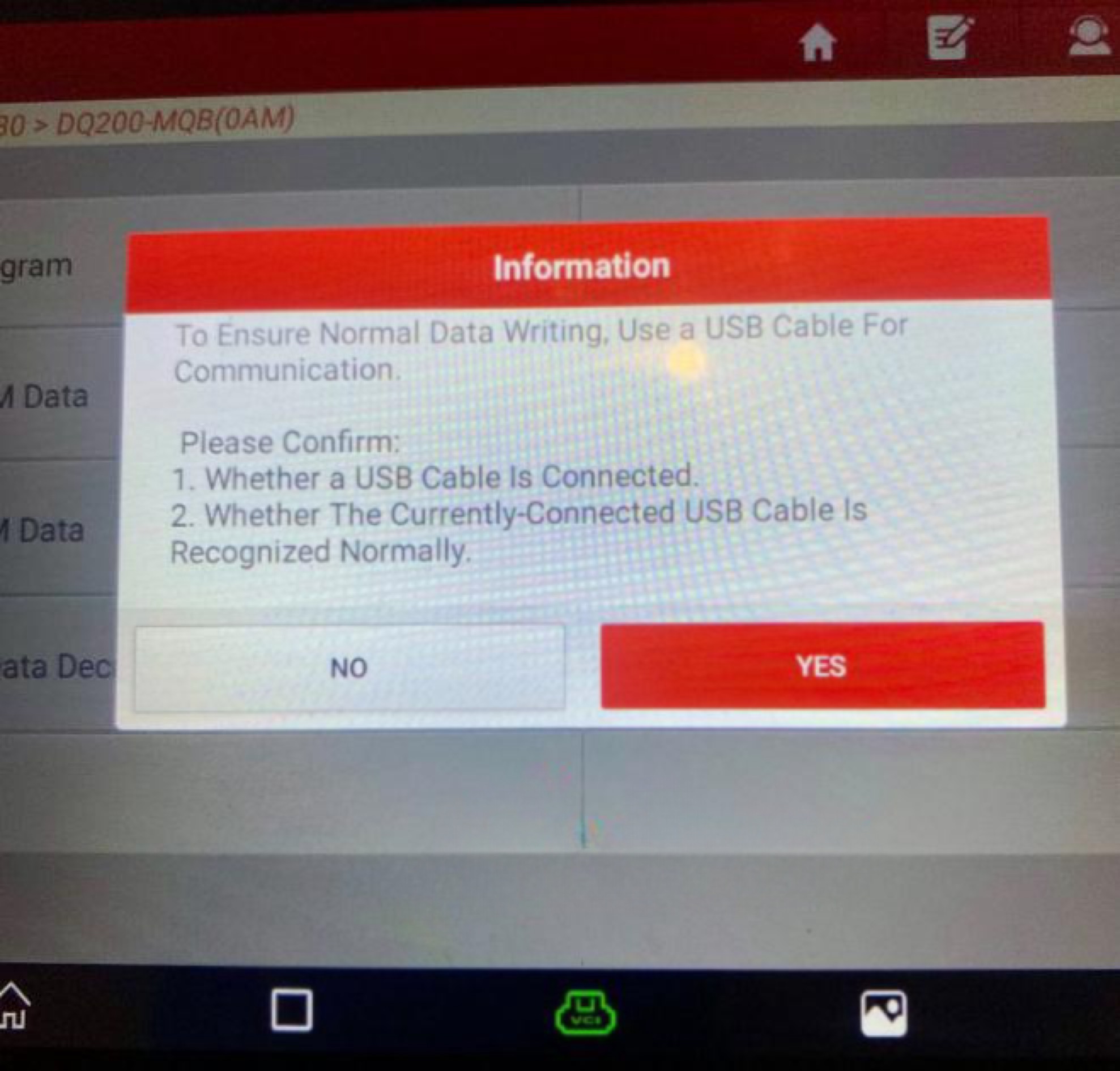
"To ensure proper data writing, please use a USB cable for communication."
What does this mean? How should I correctly use the USB connection? Why doesn’t it work via Bluetooth?
✅Expert Answer:
This message means that for safe and reliable writing of large data blocks (such as during ECU or TCU programming), a Bluetooth connection is not recommended.
Bluetooth communication can cause interruptions, which may lead to incomplete data writing and potential malfunctions in the vehicle’s control unit.
🔧 Correct use of the USB connection:
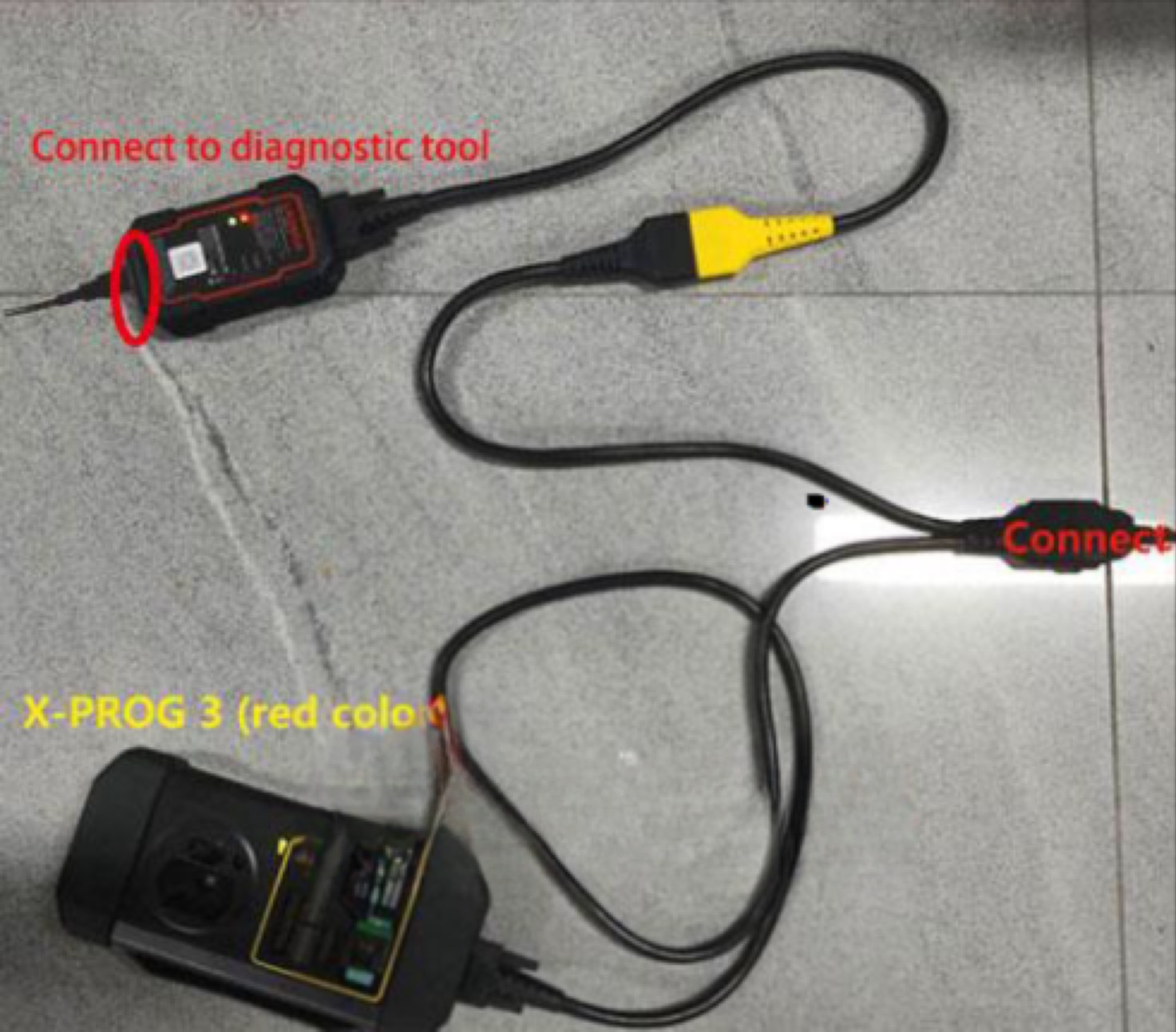
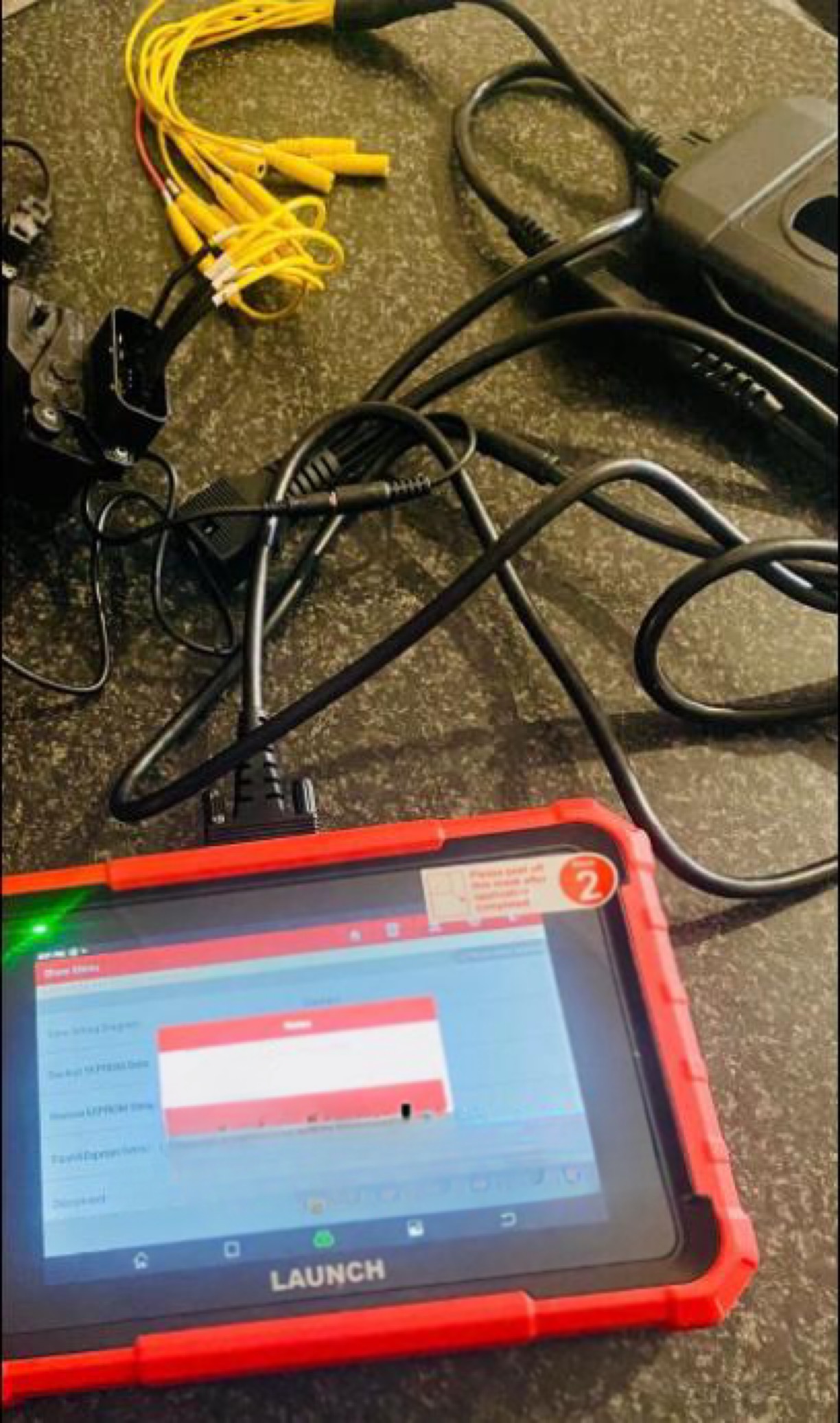
Connect the XPROG3 to the VCI unit (DBSCar VII or SmartLink C) using the included “one-to-two” main cable.
Then connect the diagnostic device (e.g., PRO ELITE) to the VCI unit via USB cable — in other words, use a fully wired connection.
Restart the cloning function, and after reading, the system will now allow writing without any warnings.
📌 Can I still use Bluetooth?
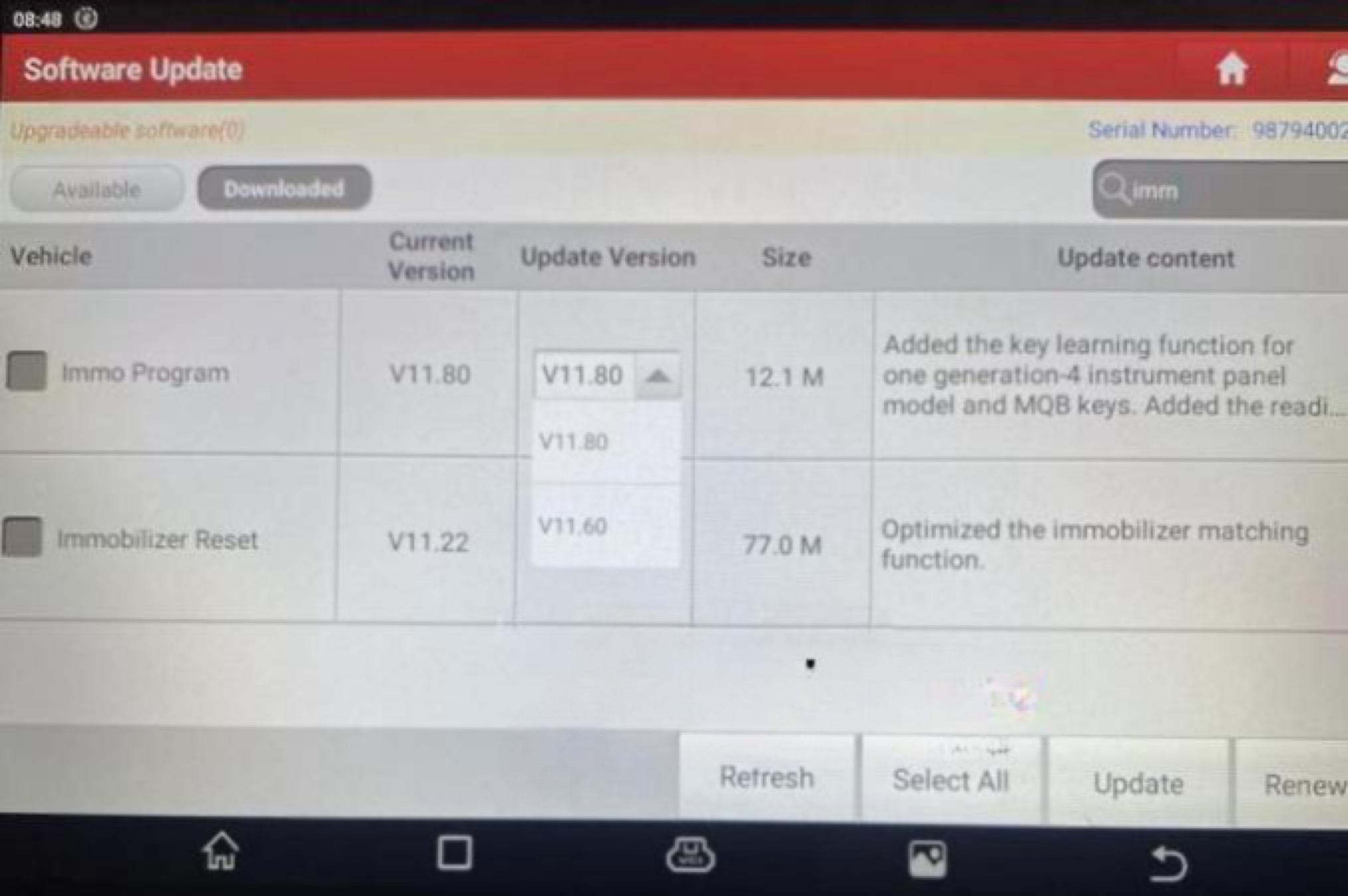
Technically yes — but at your own risk. If you insist on using a wireless connection, you can roll back to an older version of the XPROG3 software:
Open the app → go to Updates → select an older version → reinstall.
However, this is not officially recommended, and a USB connection remains the safest choice for sensitive operations such as gearbox cloning.
Would you like more tips like this? Follow our blog for practical Launch diagnostic solutions!